
Updated Sep 24, 2026
Meal Planner & Grocery List Notion Template
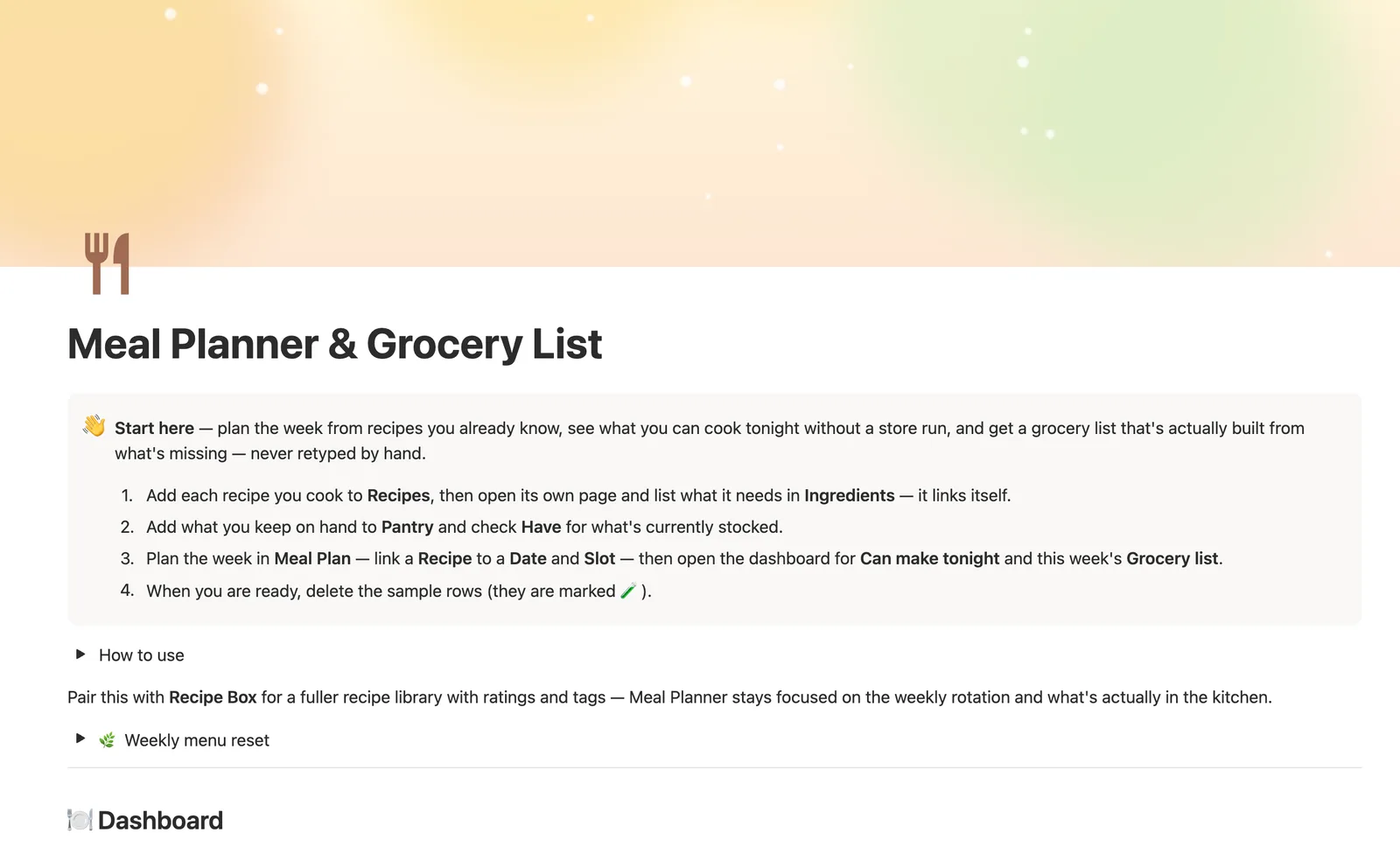
Meal Planner & Grocery List is a Notion template for planning meals around what's already in your kitchen. Link a Recipe to a Date and Slot, and the dashboard shows what you can cook tonight and builds this week's grocery list from whatever's missing in Pantry, never retyped by hand.
One-time payment · Works on Notion Free · Instant Library access
Who it's for
Who it's for
- Anyone who wants a grocery list built from what's actually planned, not memory
- Home cooks with a rotating set of recipes who want to know what to make tonight
- Households trying to shop less often by using what's already in the pantry
- Anyone tired of retyping the same grocery list every week
What's inside
What's inside
A grocery list built from what's missing, not typed
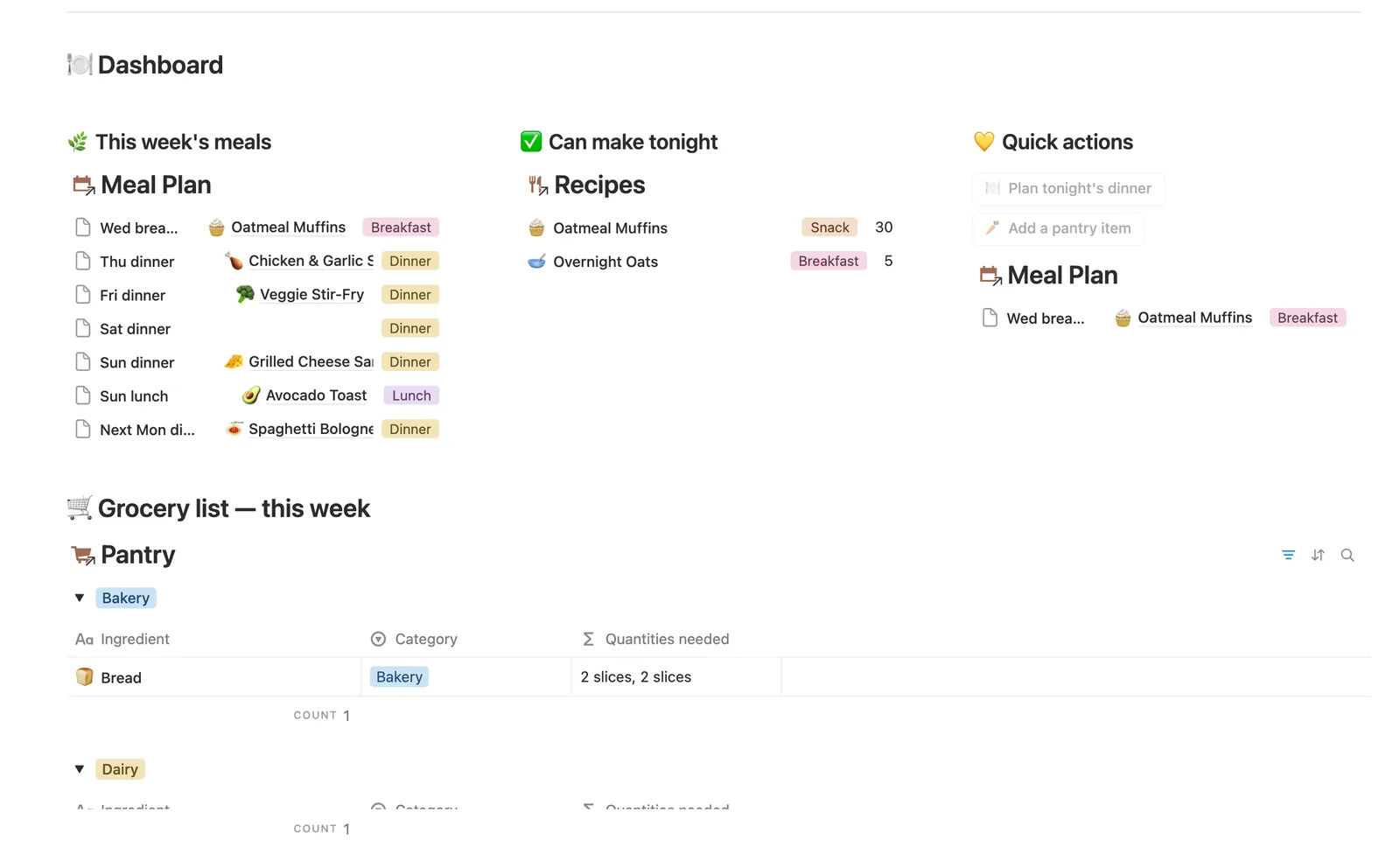
Grocery list — this week reads straight off Meal Plan and Pantry: whatever a planned recipe needs that Pantry's Have checkbox doesn't already cover, grouped by aisle.
Can make tonight, computed per recipe
Every recipe checks its own Ingredients against Pantry and flags ✅ Can make tonight the moment nothing on its list is missing — or tells you exactly how many ingredients you're short.
Plan the week, not just tonight
Link a Recipe to a Date and Slot in Meal Plan, and the dashboard's This week's meals and Can make tonight cards both read straight from what you've planned.
Ingredients live on the recipe, once
Open a recipe's own page and add what it needs to Ingredients right there — Notion links each line to that recipe automatically, so quantities never get retyped elsewhere.
Made it? tracks what's actually in rotation
Check off Made it? once you've cooked something, and Last cooked (on the recipe itself) remembers when — a Status flag catches anything you planned but never confirmed.
Pairs with Recipe Box
Meal Planner stays focused on the weekly rotation and what's in the kitchen; pair it with Recipe Box for a fuller library with ratings and tags.
How it works
How it works
Recipes hold ingredients through a Recipe Ingredients join table, and each ingredient line links to a matching row in Pantry. Whether you have everything a recipe needs rolls up from Pantry's Have checkbox, which flags the recipe ✅ Can make tonight the moment nothing's missing. Meal Plan links a Recipe to a Date and Slot for the week ahead, and the grocery list is built by rolling that plan back through Recipe Ingredients to Pantry: whatever's planned this week that Pantry doesn't already have, grouped by aisle.
Spec
- Databases
- 4
- Two-way relations
- 3
- Formulas
- 17
- Rollups
- 3
- Views
- 24
- One-click buttons
- 2
- Database templates
- 5
- Sample rows
- 42
- Databases Recipes, Pantry, Recipe Ingredients, Meal Plan
- Entity pages Recipes
- Buttons 🍽️ Plan tonight's dinner, 🥕 Add a pantry item
How to use
- 01
Everything starts with Recipes: open a recipe's own page and add what it needs to Ingredients right there — Notion links each line to that recipe automatically.
- 02
Pantry is your real stock — check Have for whatever's actually in the kitchen. Every recipe reads straight off it: Can make tonight? turns ✅ the moment nothing on its ingredient list is missing.
- 03
Plan the week in Meal Plan by linking a Recipe to a Date and Slot — the dashboard's This week's meals and Grocery list both read straight from what's planned there, not from a list you keep updating by hand.
- 04
Grocery list — this week is never typed: it's whatever a recipe on this week's plan needs that Have doesn't already cover, grouped by aisle. Buy it, then check Have on that Pantry row to clear it off the list.
- 05
The dashboard's Plan tonight's dinner button can't link a recipe for you (buttons can't set relations) — check Meal Plan → 🔗 Needs a recipe and link one there; planning from a recipe's own page skips that step entirely.
- 06
Check off Made it? once you've actually cooked something — Status flags anything you planned but never confirmed, and Last cooked (on the recipe itself) remembers when, so you can see what's actually in rotation, not just what's on paper.
Setup
Setup
- 01
Duplicate Meal Planner & Grocery List into your workspace.
- 02
Add each recipe you cook to Recipes, then open its page and list what it needs in Ingredients.
- 03
Add what you keep on hand to Pantry and check Have for what's currently stocked.
- 04
Plan the week in Meal Plan — link a Recipe to a Date and Slot — then check the dashboard for this week's grocery list.
- 05
Delete the sample rows once you're set up — they're marked 🧪.
Compared
| This template | Paper list | |
|---|---|---|
| What to buy | Built from this week's plan minus what's in Pantry | You write it from memory |
| Can I make this tonight? | Recipes flag ✅ automatically | You check the fridge yourself |
| Recipe ingredients | Saved once, reused every time | Rewritten each week |
§ FAQ
FAQ
Does Notion have a meal planner?
Not built in — Notion doesn't ship a meal-planning feature. Meal Planner & Grocery List is a Notion template that adds one: link a Recipe to a Date and Slot in Meal Plan, and the dashboard shows this week's meals and what you can cook tonight.
Can Notion make a grocery list from my meal plan?
Yes, that's the core of this template. Grocery list — this week is built automatically from whatever a recipe on this week's Meal Plan needs that Pantry's Have checkbox doesn't already cover, grouped by aisle, and never typed by hand.
Is there a free Notion meal planner template?
Meal Planner & Grocery List isn't one of the five free Lite templates (Habit Tracker, Weekly Planner, Bills & Due Dates, Reading List, Client CRM). It's included in the $47 one-time Bundle with all 50 templates, and it works fully on Notion's Free plan.
Does Notion track calories or macros for meals?
No — this template doesn't track calories or macronutrients. It's built around recipes, what's in your pantry, and a grocery list, not nutrition tracking.
How do I know what I can cook tonight?
Recipes → ✅ Can make tonight filters to anything where nothing on the Ingredients list is missing from Pantry — updated the moment you check off Have on a pantry item.
More from Home & Family
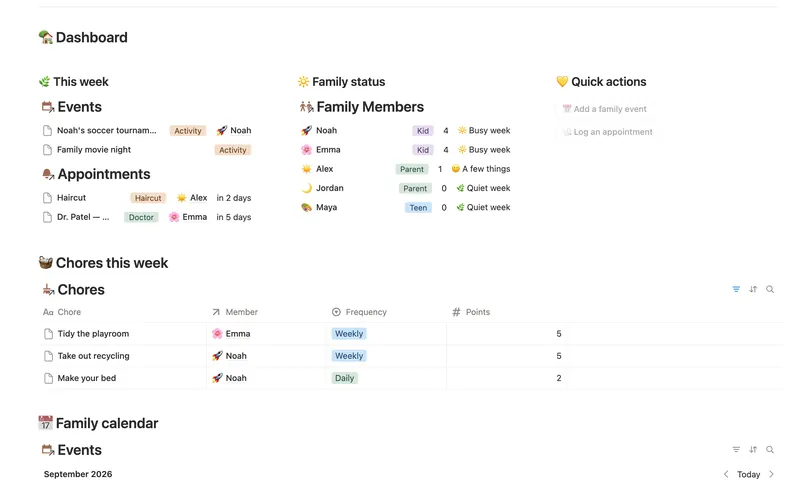
- 18 Family Organizer Give every event, chore, appointment and school thing a home next to the right person — so one look at Family Members tells you how everyone's week is actually going. 5 db · 18 formulas · 2 buttons
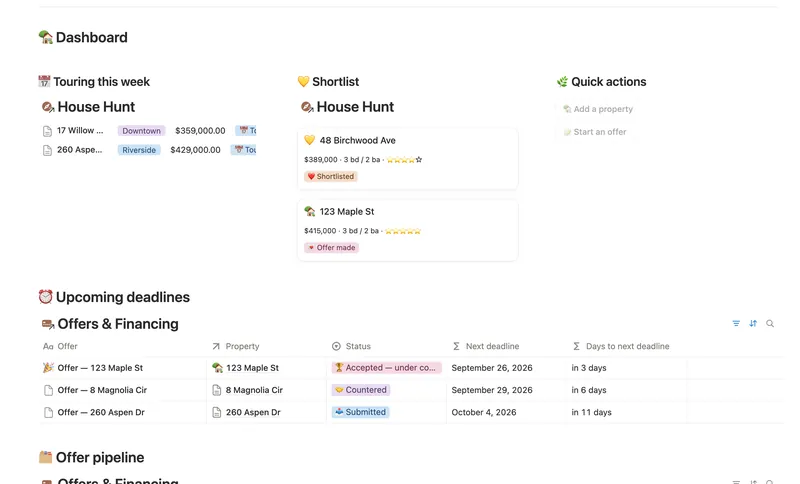
- 20 First Home Tracker Log every property you tour, turn your favorite into a real offer, and keep financing, costs and the closing checklist in one place — all the way to the keys. 2 db · 9 formulas · 2 buttons
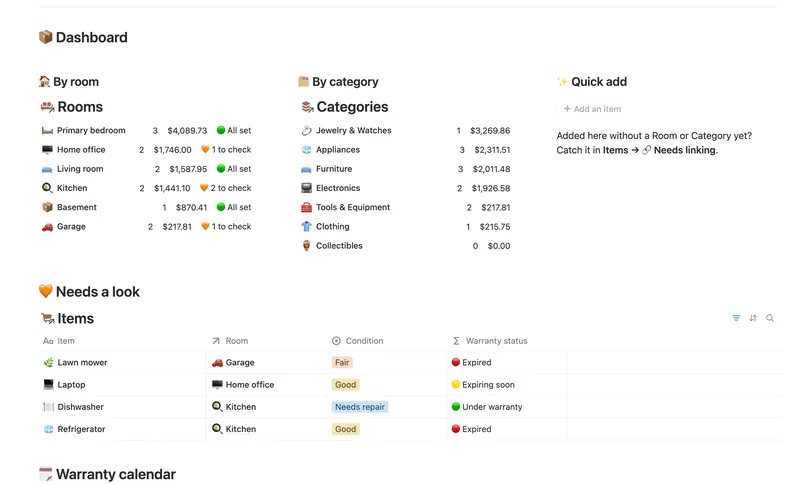
- 21 Home Inventory See everything you own — by room, by category, with warranty countdowns and an estimated value that keeps itself current — so you're ready the day you actually need it. 3 db · 7 formulas · 1 button
§ The Bundle
Get the whole Bundle
Meal Planner & Grocery List plus 49 more templates, one payment.
One-time payment · Works on Notion Free · Instant Library access