
Updated Sep 24, 2026
Time Tracker Notion Template
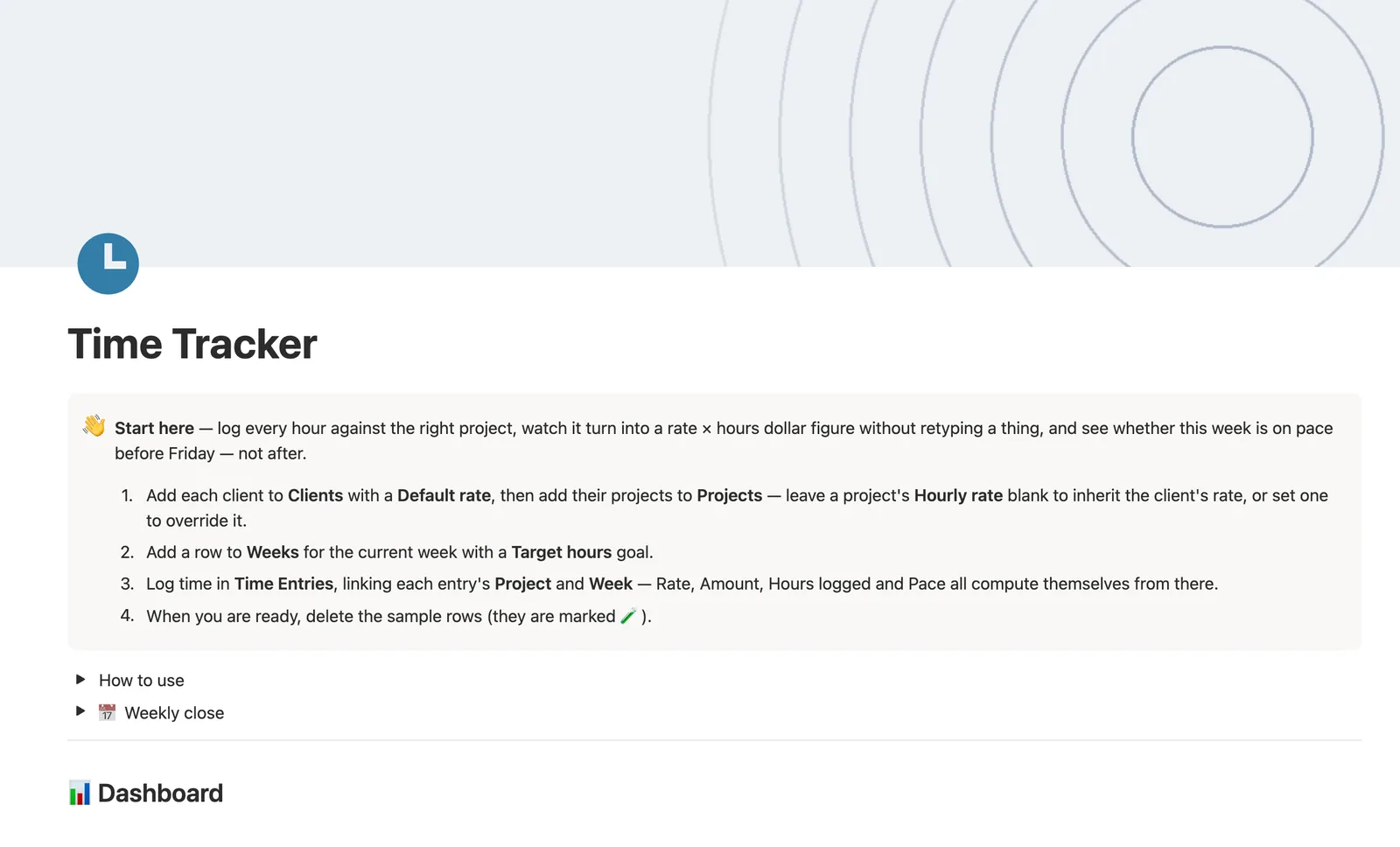
This Notion template logs every hour against the right project and turns it into a rate × hours dollar figure without retyping a thing. Effective rate falls back from a project's own hourly rate to its client's default rate, and a weekly pace check tells you if you're on track before Friday, not after.
One-time payment · Works on Notion Free · Instant Library access
Who it's for
Who it's for
- Freelancers who bill by the hour and want Amount computed, not calculated separately
- Anyone managing different rates across several clients and projects at once
- People who want to know mid-week if they're on pace for their weekly hours target
- Freelancers who want a budget guardrail flagging a project before it goes over
What's inside
What's inside
Rate and Amount, never retyped
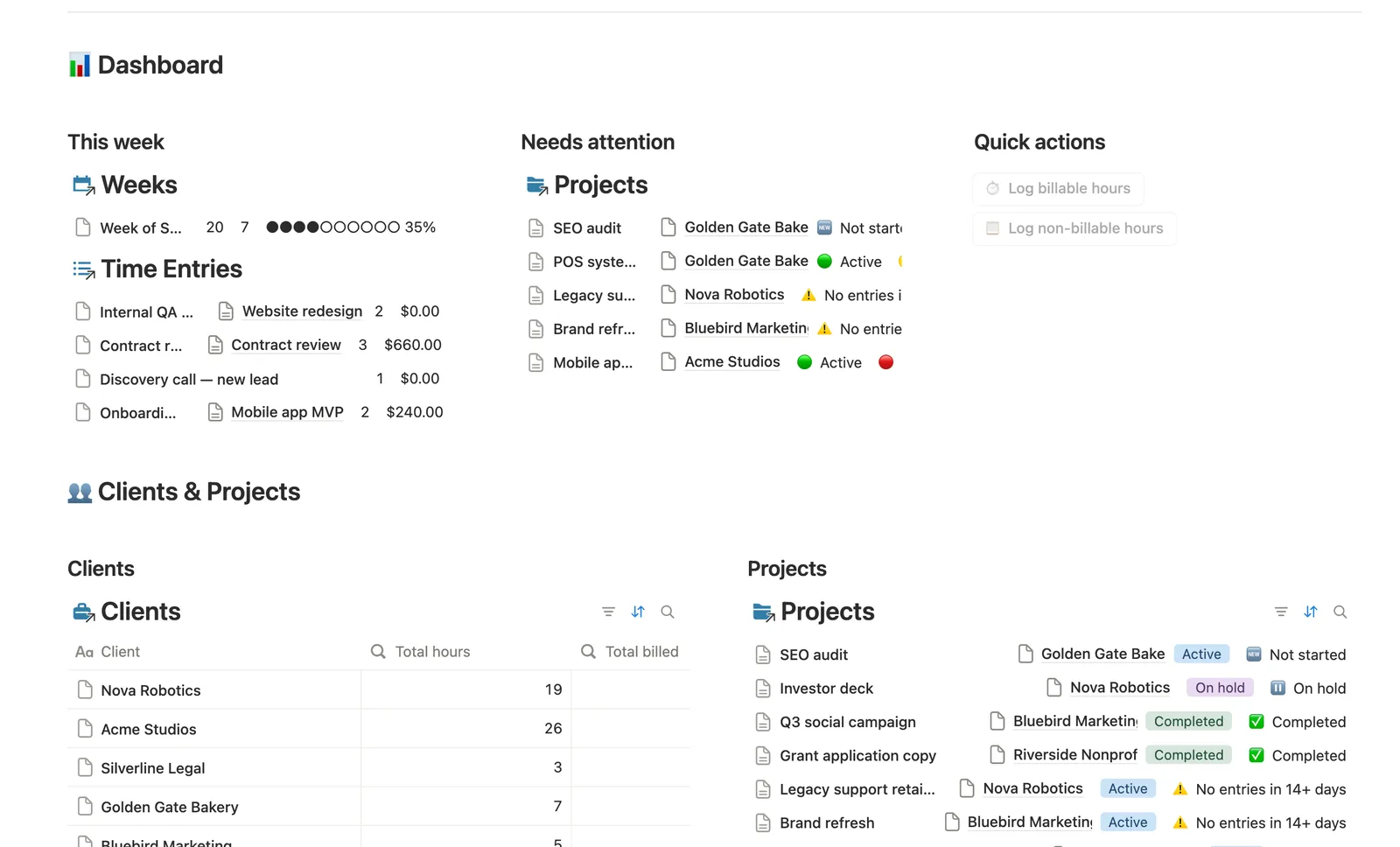
Log Hours in Time Entries, link the Project and Week, and Rate and Amount fill themselves in from that project's Effective rate.
A two-tier rate fallback
Effective rate uses a project's own Hourly rate if you set one, otherwise the client's Default rate; leave a project's rate blank to inherit it.
Weekly pace, not just a total
Weeks compares Hours logged against Target hours and how far the week has actually elapsed, flagging 🔴 Behind pace, 🟡 On pace, or 🟢 Ahead of pace mid-week, not just after it's over.
Budget status per project
Budget status flags anything 🔴 Over budget or 🟡 Near budget (80%+) against a project's own Budget hours.
Activity, so nothing goes quiet unnoticed
A project that's gone 14+ days without a new entry, or one that was never started, flags itself, and Clients' own Status rolls that up across every project they have.
A hub page per project
Open any Project's own page to see just its Time Entries, split into all-time and this-week tabs.
How it works
How it works
Time Entries link to a Project and a Week. Each entry's Amount is its own Billable hours times that project's Effective rate, itself the project's Hourly rate if set, otherwise a rollup of the client's Default rate. That Amount rolls up to Projects, which pass through a chainable formula so Clients can roll it up a second time into Total hours and Total billed, a genuine three-level chain.
Spec
- Databases
- 4
- Two-way relations
- 3
- Formulas
- 16
- Rollups
- 14
- Views
- 19
- One-click buttons
- 2
- Database templates
- 5
- Sample rows
- 36
- Databases Clients, Projects, Weeks, Time Entries
- Entity pages Projects
- Buttons ⏱️ Log billable hours, 📋 Log non-billable hours
How to use
- 01
Everything flows from Time Entries: log Hours there, link Project and Week, and Rate/Amount fill themselves in from that project's Effective rate — never retype a dollar figure.
- 02
Effective rate on each project is its own Hourly rate if you set one, otherwise the client's Default rate — leave a project's rate blank to inherit it.
- 03
Buttons can't link a relation, so a quick-logged entry starts unlinked — Time Entries → Needs linking catches anything missing its Project or its Week; link it by hand right after.
- 04
Weeks is your weekly time budget: set Target hours once, and Hours logged, Progress and Pace all fill themselves in as you log entries — being 🔴 behind pace mid-week just means more hours are still coming, not that anything's wrong.
- 05
Projects → Budget status flags anything over its Budget hours; Activity flags a project that's gone 14+ days without a new entry, or an active project that was never started.
- 06
Clients → Status rolls up every one of that client's projects — 🔴 Inactive means nobody's logged time for that client in 30+ days.
Setup
Setup
- 01
Duplicate the Time Tracker template into your workspace.
- 02
Add each client to Clients with a Default rate, then add their projects to Projects, leaving Hourly rate blank to inherit the client's rate or setting one to override it.
- 03
Add a row to Weeks for the current week with a Target hours goal, then delete the 🧪 sample rows.
- 04
Log time in Time Entries, linking each entry's Project and Week.
Compared
| This template | Spreadsheet timesheet | |
|---|---|---|
| Billable amount | Computed from rate × hours automatically | Formula you maintain yourself |
| Weekly pace | Flagged against elapsed time, mid-week | You eyeball the running total |
| Rate per client or project | Falls back automatically, no retyping | Copy-pasted or re-entered each time |
§ FAQ
FAQ
Does Notion have a time tracker?
Not built in, but this template adds one. Time Entries link to a Project and a Week, and Rate and Amount fill themselves in from that project's Effective rate, never retyped.
Can Notion calculate billable amounts from hours logged?
Yes, in this template. Each entry's Amount is its Billable hours multiplied by that project's Effective rate, which falls back from the project's own Hourly rate to its client's Default rate if you leave the project's rate blank.
Does Notion integrate with time tracking apps or a live timer?
No. This is a manual-entry log, not a running stopwatch or a third-party integration; you log Hours after the fact, and Rate and Amount compute from there. Pair it with a separate timer app and log the total here if you need a live timer.
Does this time tracker work on Notion's Free plan?
Yes, every database, formula, and relation in this template runs on Notion's Free plan.
More from Freelance & Clients
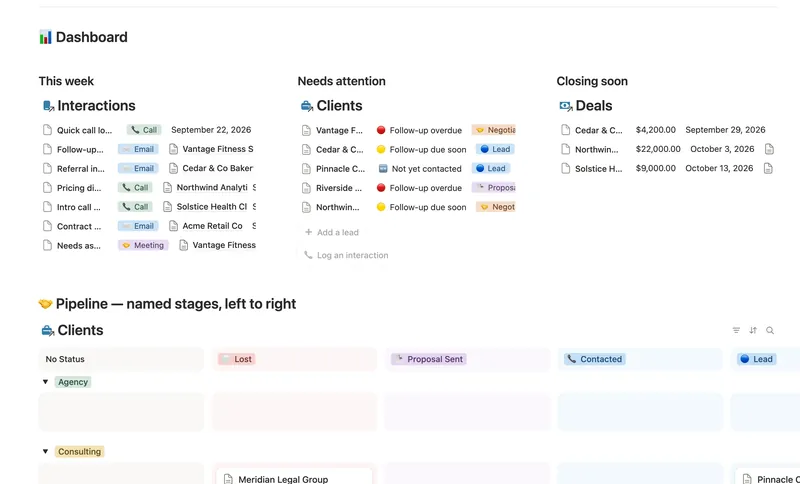
- 31 Client CRM Run every Lead and Client through a named pipeline, log every call and email against the right Contact, and never miss a follow-up — Pipeline value, Won value and Next follow-up are computed straight from your Deals and Interactions, never re-typed, with a live hub page the moment you add someone. 4 db · 10 formulas · 2 buttons
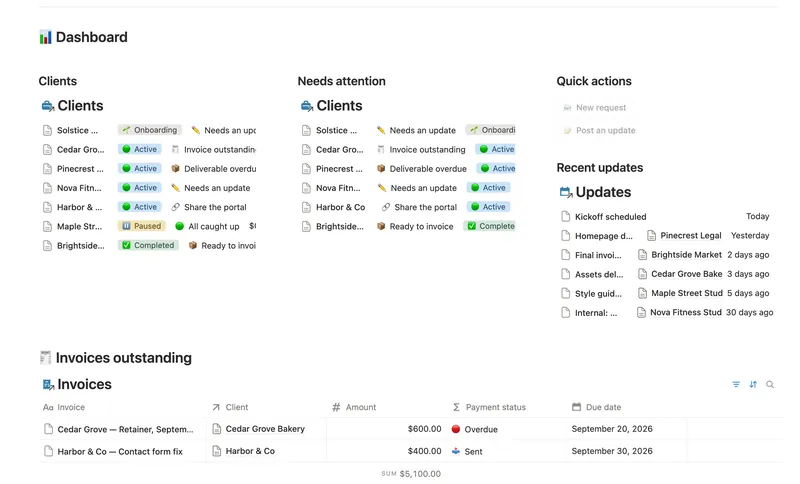
- 36 Client Portal Give every client their own living portal page — Requests, Deliverables and Invoices already filtered to just them, shared view-only, with nothing to configure by hand. 5 db · 15 formulas · 2 buttons
- 33 Invoices & Payments Invoice clients, track every partial payment against the balance still owed, and catch what's overdue — and by how long — before a client has to ask. 3 db · 10 formulas · 2 buttons
§ The Bundle
Get the whole Bundle
Time Tracker plus 49 more templates, one payment.
One-time payment · Works on Notion Free · Instant Library access