
Updated Sep 24, 2026
Idea Inbox Notion Template
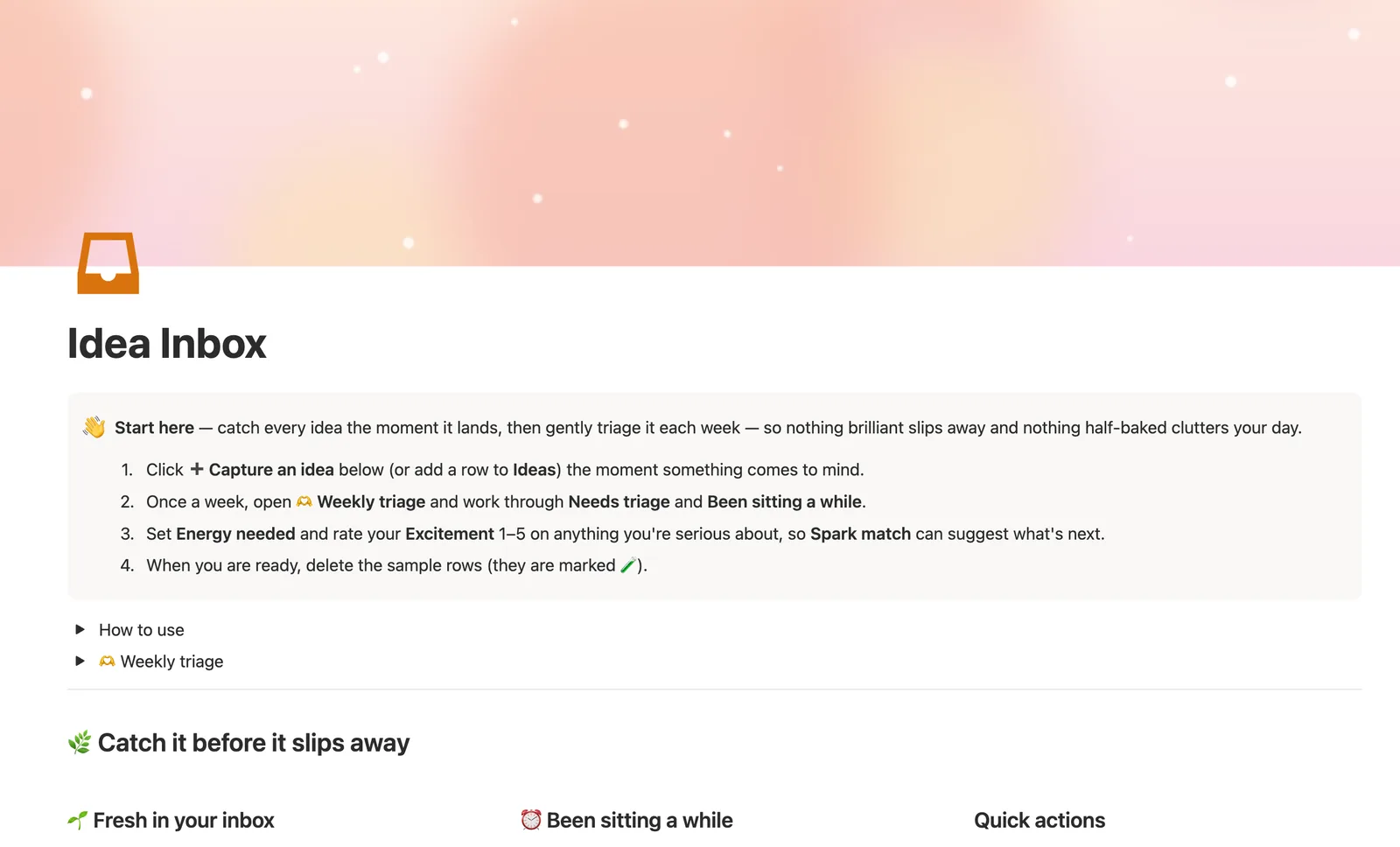
The Idea Inbox is a Notion template for catching every idea the moment it happens, then triaging it once a week. A single Ideas database tracks Status, Days in inbox and a Spark match suggestion from your Excitement and Energy needed, so nothing brilliant slips away and nothing half-baked clutters your day.
One-time payment · Works on Notion Free · Instant Library access
Who it's for
Who it's for
- People who lose good ideas because there's nowhere fast enough to catch them
- Anyone who wants a weekly triage habit instead of an inbox that never gets touched
- People capturing gift ideas for others alongside their own projects
- Anyone who wants a plain-language suggestion, do it, plan it, or drop it, instead of staring at a blank list
What's inside
What's inside
One database, on purpose
Idea Inbox is a deliberately single-database template. Everything lives in Ideas, with no relation added just to pad it out. Capture is one click, with zero required fields.
Days in inbox, never reset
Days in inbox counts from the moment you captured an idea and never resets when you change its Status, an honest clock, not one you can quietly restart.
Needs a look, computed automatically
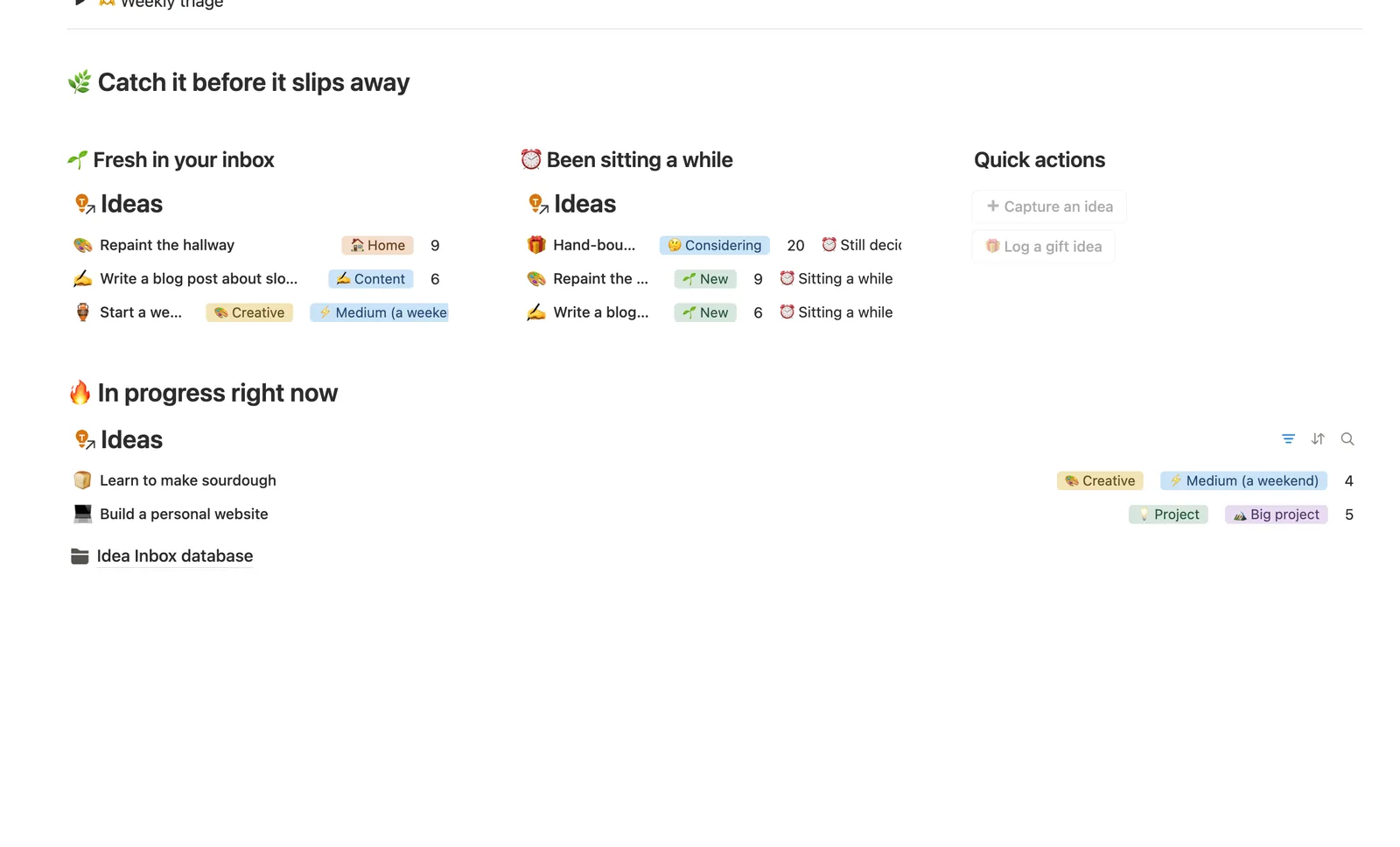
Once a 🌱 New idea sits 3+ days, or a 🤔 Considering idea sits 14+ days, it quietly raises a hand in Been sitting a while. You don't have to remember to check.
Spark match, a plain-language nudge
Set Energy needed and rate your Excitement 1 to 5, and Spark match turns them into 🔥 Do this today, 🌟 Worth planning for, 💡 Keep considering, or 🤷 Maybe let it go.
A gift-idea capture button
The Log a gift idea button drops a row straight into the Gift category, so a gift idea you think of mid-conversation doesn't get lost among project ideas.
How it works
How it works
Idea Inbox is deliberately one database, not several, the argued exception to this library's usual relation chain. Every idea starts as 🌱 New the moment you capture it. Two formulas do the rest: Days in inbox tracks time since capture, and Needs a look reads that number against your Status to flag an idea that's been sitting too long, so triage happens on a schedule instead of by memory.
Spec
- Databases
- 1
- Two-way relations
- 0
- Formulas
- 4
- Rollups
- 0
- Views
- 9
- One-click buttons
- 2
- Database templates
- 3
- Sample rows
- 11
- Databases Ideas
- Buttons ➕ Capture an idea, 🎁 Log a gift idea
How to use
- 01
Every idea starts as 🌱 New the moment you capture it — nothing lost, nothing judged yet.
- 02
Days in inbox counts days since you first captured an idea — it never resets when you change its Status. Needs a look is computed from it, never typed: once that hits 3+ days for a 🌱 New idea, or 14+ days for one you're 🤔 Considering (however long it's actually been in that status), it quietly raises a hand in ⏰ Been sitting a while.
- 03
Set Energy needed and Excitement and Spark match turns them into a plain-language nudge — 🔥 Do this today, 🌟 Worth planning for, 💡 Keep considering, or 🤷 Maybe let it go.
- 04
Triage isn't a test: 📌 Someday and 🍂 Let it go are both good outcomes — an inbox that's honestly sorted beats one that's just technically full.
- 05
Pair this with the Weekly Planner or ADHD Command Center so a 🔥 Doing now idea has somewhere real to land on your calendar.
Setup
Setup
- 01
Duplicate the template into your own Notion workspace.
- 02
Click Capture an idea the moment something comes to mind, no fields are required up front.
- 03
Once a week, open the Weekly triage toggle and work through Needs triage and Been sitting a while, deleting the 🧪 sample rows as you go.
Compared
| This template | Plain notes app | |
|---|---|---|
| Stale-idea detection | Needs a look, computed | Nothing flags it |
| Suggestion on what to do next | Spark match formula | You decide from a blank list |
| Weekly triage habit | Named toggle with real views | Self-imposed, if any |
| Gift ideas kept separate | Dedicated Category + button | Mixed in with everything else |
§ FAQ
FAQ
How do I capture and organize ideas in Notion?
Give every idea a Status (New, Considering, Doing now, and so on) and a captured date, then check a computed staleness flag on a schedule instead of leaving the list to grow untouched. This template does exactly that, capture is one click, and Needs a look surfaces anything gone stale.
Does Notion have an idea tracker template?
Not a built-in one. Notion has no native idea-capture feature, so an idea tracker has to be built or duplicated. This one is deliberately a single database, no relations added for their own sake, with a Spark match formula that turns Excitement and Energy needed into a plain suggestion.
How do I stop losing ideas I think of?
Lower the friction to capture one to a single click with no required fields, then triage on a fixed schedule rather than whenever you remember. This template's Capture an idea button does the first part, and Needs a look, a formula, not a manual check, does the second.
Is there a free Notion idea tracker?
This exact Idea Inbox isn't a free Lite template, it's part of the $47 Templitize Bundle with 49 other templates, but it works on Notion's Free plan with no paid Notion upgrade needed.
Can I use this for gift ideas too?
Yes. Category includes a 🎁 Gift option, and the dashboard has a dedicated Log a gift idea button that drops a row straight into it, separate from your project and content ideas.
More from Planning & Focus
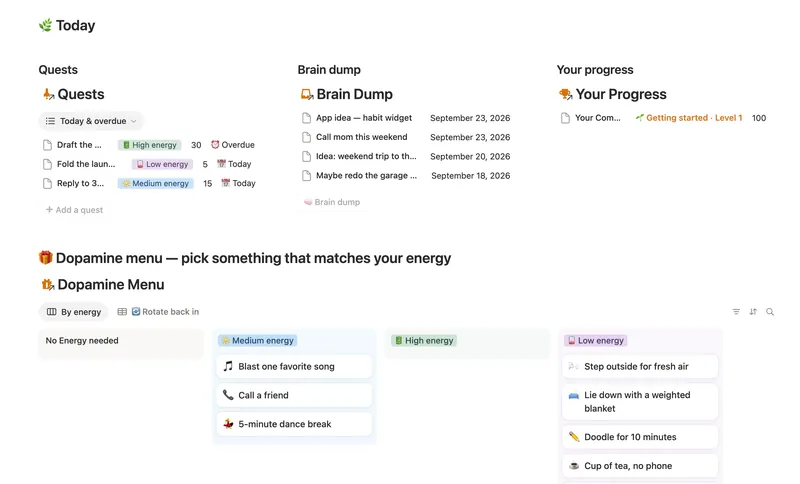
- 03 ADHD Command Center Corral every quest, stray thought and dopamine hit into one gentle system — one that tracks your XP and shows up for you on the days that don't go to plan, not just the good ones. 5 db · 12 formulas · 3 buttons
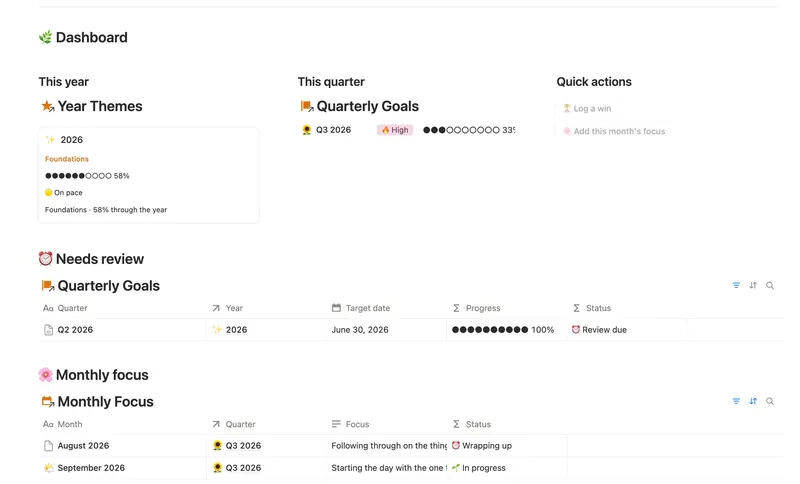
- 06 Annual Review & Year Planner Look back on the year with honest reflection prompts, then turn one yearly theme into quarterly goals and monthly focus you'll actually follow through on. 4 db · 16 formulas · 2 buttons
- 02 Daily Planner & Time Blocks Block your day into real Start/End times, keep tasks tied to the hour you meant to do them, and see — gently, never guiltily — whether today actually went the way you planned it. 3 db · 6 formulas · 2 buttons
§ The Bundle
Get the whole Bundle
Idea Inbox plus 49 more templates, one payment.
One-time payment · Works on Notion Free · Instant Library access