
Updated Sep 24, 2026
Daily Planner Notion Template
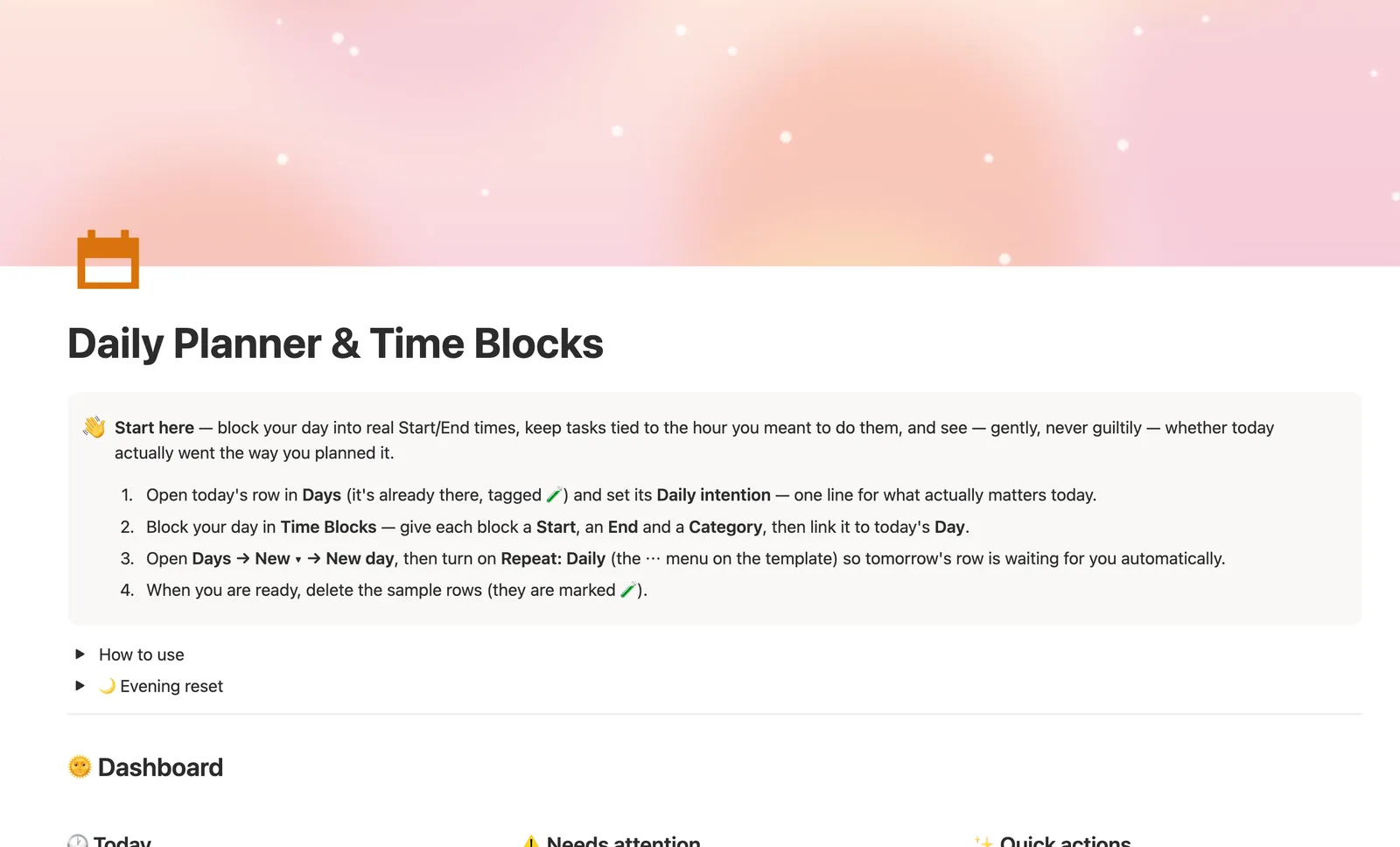
The Daily Planner & Time Blocks template is a Notion template built around Days, Time Blocks and Tasks. Block your day into real Start and End times, tuck tasks under the exact block you plan to do them in, and a computed Status shows whether you finished on time, no guilt, just information.
One-time payment · Works on Notion Free · Instant Library access
Who it's for
Who it's for
- People who want to time-block their day, not just list tasks
- Anyone who wants to see, gently, whether a day actually went the way they planned it
- Freelancers protecting deep-work blocks between meetings
- People who've tried a bare to-do list and found it doesn't account for time at all
What's inside
What's inside
Real Start/End time blocks
Time Blocks carries a Start, End and optional Actual finish for every block you schedule, not just a task title with no sense of duration.
Status that reads itself
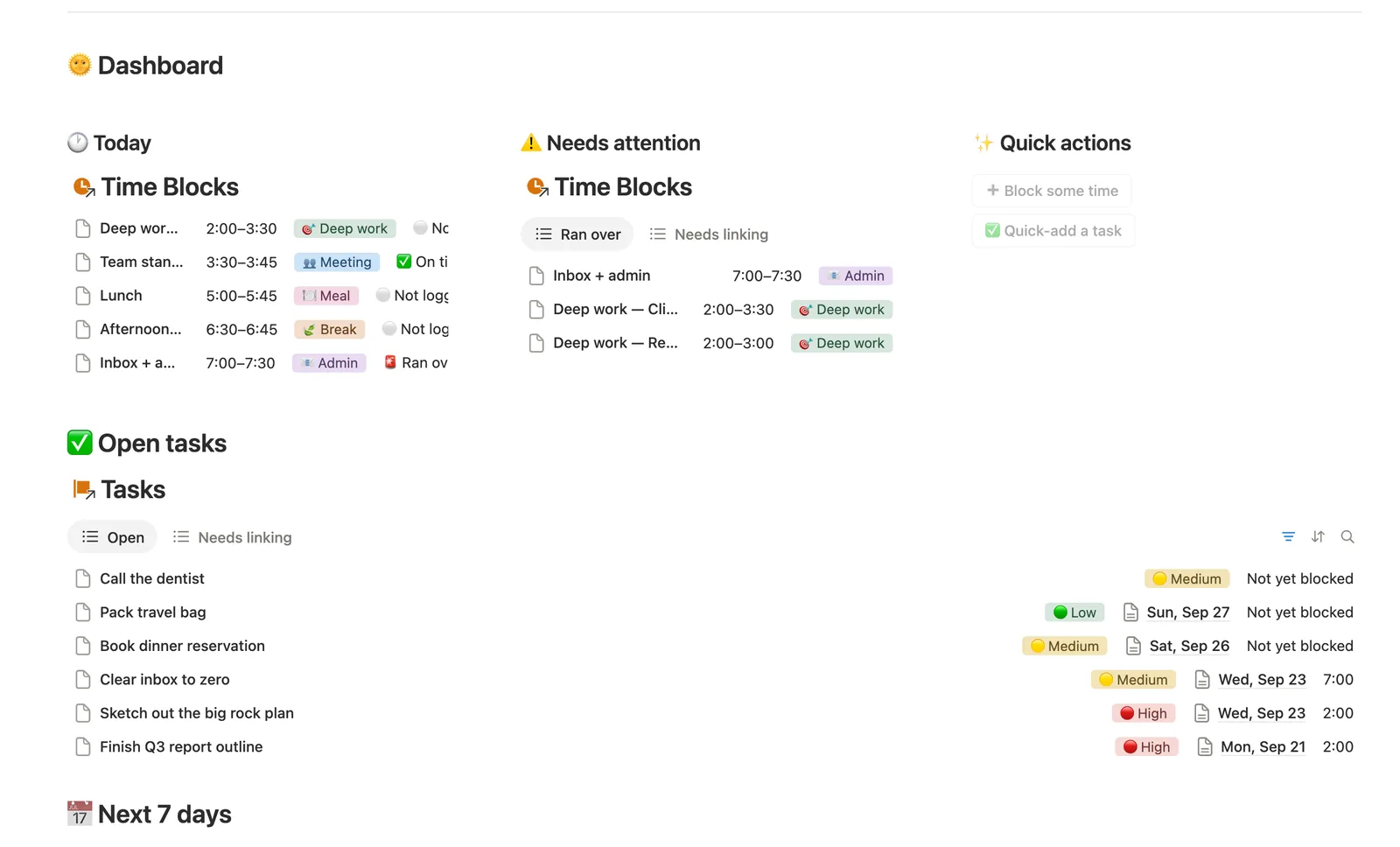
Window turns your Start/End into a friendly time range, and the moment you log an Actual finish, Status compares it automatically: ✅ On time, 🚨 Ran over, or ⚪ Not logged yet.
Tasks tied to the exact block
A Task can sit under a Day, or better, under the specific Time Block you meant to do it in, so a block's own start time rolls straight up to every task inside it.
Needs a time and Needs linking
Needs a time lists anything you've put on a Day but never actually blocked. Needs linking catches anything the Quick actions buttons or a New template created without a Day attached.
A guilt-free evening reset
The built-in Evening reset ritual asks you to log what happened and glance at Ran over, never to grade yourself on it.
How it works
How it works
Everything nests under a Day. You block real Start/End times in Time Blocks, and each Task links to a Day, or more precisely, to the exact Block you plan to do it in. A Day's Block count, Task count and Progress roll up from its Time Blocks and Tasks automatically; a Block's own Start time rolls up onto every Task scheduled inside it, so you can see when a task is actually happening without opening the block itself.
Spec
- Databases
- 3
- Two-way relations
- 3
- Formulas
- 6
- Rollups
- 6
- Views
- 24
- One-click buttons
- 2
- Database templates
- 5
- Sample rows
- 29
- Databases Days, Time Blocks, Tasks
- Entity pages Days
- Buttons ➕ Block some time, ✅ Quick-add a task
How to use
- 01
Everything lives under a Day: block your time in Time Blocks, and tuck each Task under the Day — or, even better, under the exact block you plan to do it in — so Block count, Task count and Progress on that Day fill themselves in.
- 02
Window and Status on each block are never typed by hand — Window reads your Start/End as a friendly time range, and the moment you log an Actual finish, Status compares it to that End: ✅ On time, 🚨 Ran over, or ⚪ Not logged yet if you haven't gotten to it.
- 03
A task doesn't need a block to exist. Needs a time lists anything you've put on a Day but haven't blocked yet, and Needs linking (on both Tasks and Time Blocks) catches anything the Quick actions buttons or a New ▾ template created without a Day attached — nothing quietly falls through the cracks.
- 04
Use the two Quick actions buttons on the dashboard to block time or add a task without leaving this page — they pre-fill today's date, you fill in the rest.
- 05
Days → Next 7 days and Time Blocks → Ran over are the two views worth a daily glance — the week ahead, and anything that ran long enough to notice.
- 06
Pair this with the Weekly Planner for the bigger picture, the Habit Tracker for anything you do daily no matter which day it is, or the ADHD Command Center if today calls for a gentler structure than blocks alone.
Setup
Setup
- 01
Duplicate the template into your own Notion workspace.
- 02
Open today's row in Days, it's already there, and set your Daily intention.
- 03
Block your day in Time Blocks (Start, End, Category), then link each block to today's Day.
- 04
Turn on Repeat: Daily on the New day template so tomorrow's row is waiting for you, and delete the 🧪 sample rows once you're set up.
Compared
| This template | Plain to-do list | |
|---|---|---|
| Time blocking | Real Start/End properties | Not tracked |
| Ran-over detection | Automatic Status formula | You notice on your own |
| Tasks tied to an hour | Optional Block link per task | No concept of time |
| Unblocked tasks | Needs a time view | Easy to lose track of |
§ FAQ
FAQ
How do I set up a daily planner in Notion?
Create three linked databases, Days, Time Blocks and Tasks, so every block and task ties back to the day it belongs to. This template ships that structure built, with a Status formula that compares your Actual finish to your planned End time automatically.
Does Notion have a daily planner template?
Not a built-in one. Notion is a blank canvas, so a real daily planner has to be built or duplicated. This template adds real Start/End time blocks, a Status that flags a block that ran over, and tasks tied to the hour you meant to do them.
Is there a free Notion daily planner?
This exact Daily Planner isn't one of Templitize's free Lite templates, but every template, including this one, works on Notion's Free plan with no paid Notion upgrade needed.
Can Notion track whether I ran over on a time block?
Yes, with a formula, not natively. This template's Status property compares your logged Actual finish time to the block's planned End time and reports 🚨 Ran over or ✅ On time automatically. Notion doesn't do that comparison on its own.
Does this work on Notion's Free plan?
Yes. Nothing in the Daily Planner & Time Blocks system needs a paid Notion plan. The databases, relations, formulas and buttons all run on Notion Free.
More from Planning & Focus
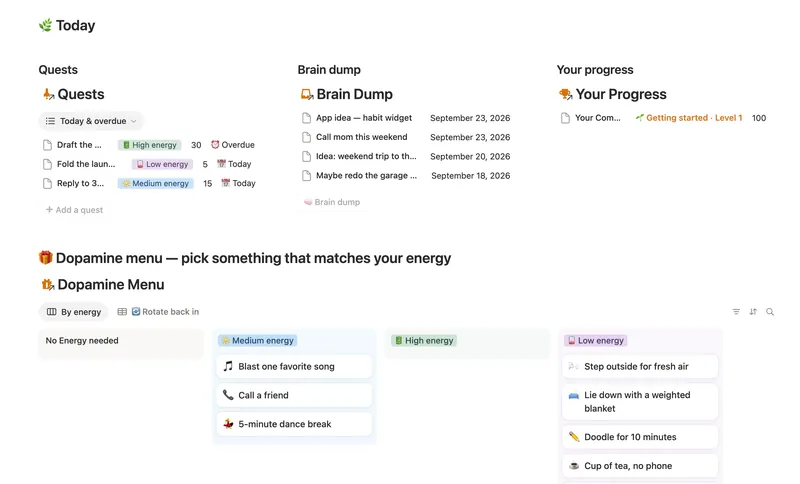
- 03 ADHD Command Center Corral every quest, stray thought and dopamine hit into one gentle system — one that tracks your XP and shows up for you on the days that don't go to plan, not just the good ones. 5 db · 12 formulas · 3 buttons
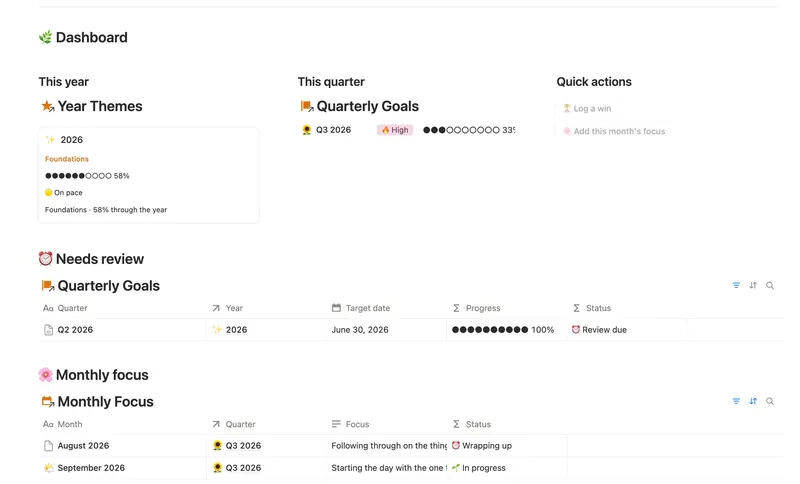
- 06 Annual Review & Year Planner Look back on the year with honest reflection prompts, then turn one yearly theme into quarterly goals and monthly focus you'll actually follow through on. 4 db · 16 formulas · 2 buttons
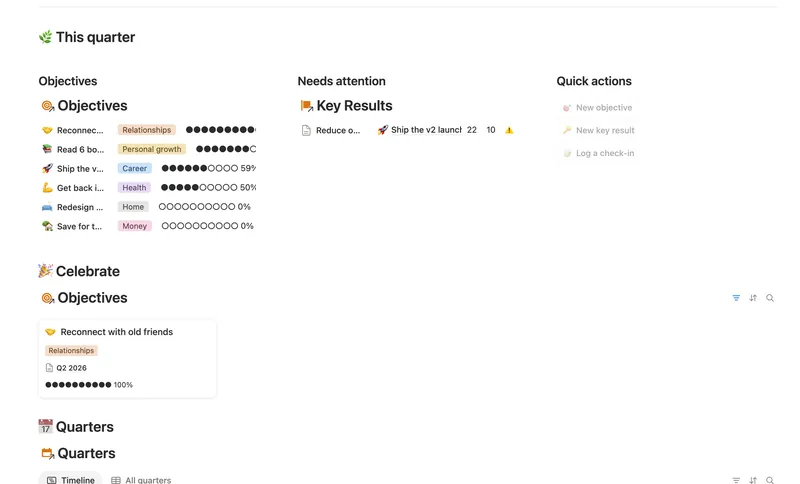
- 05 Goals & OKRs Turn each quarter's goals into Objectives with measurable Key Results, log a quick Check-in whenever you make progress, and watch two-tier rollups keep every Objective's — and the whole Quarter's — percentage honest, all the way up, without ever re-typing a number. 4 db · 15 formulas · 3 buttons
§ The Bundle
Get the whole Bundle
Daily Planner & Time Blocks plus 49 more templates, one payment.
One-time payment · Works on Notion Free · Instant Library access