
Updated Sep 24, 2026
ADHD Command Center Notion Template
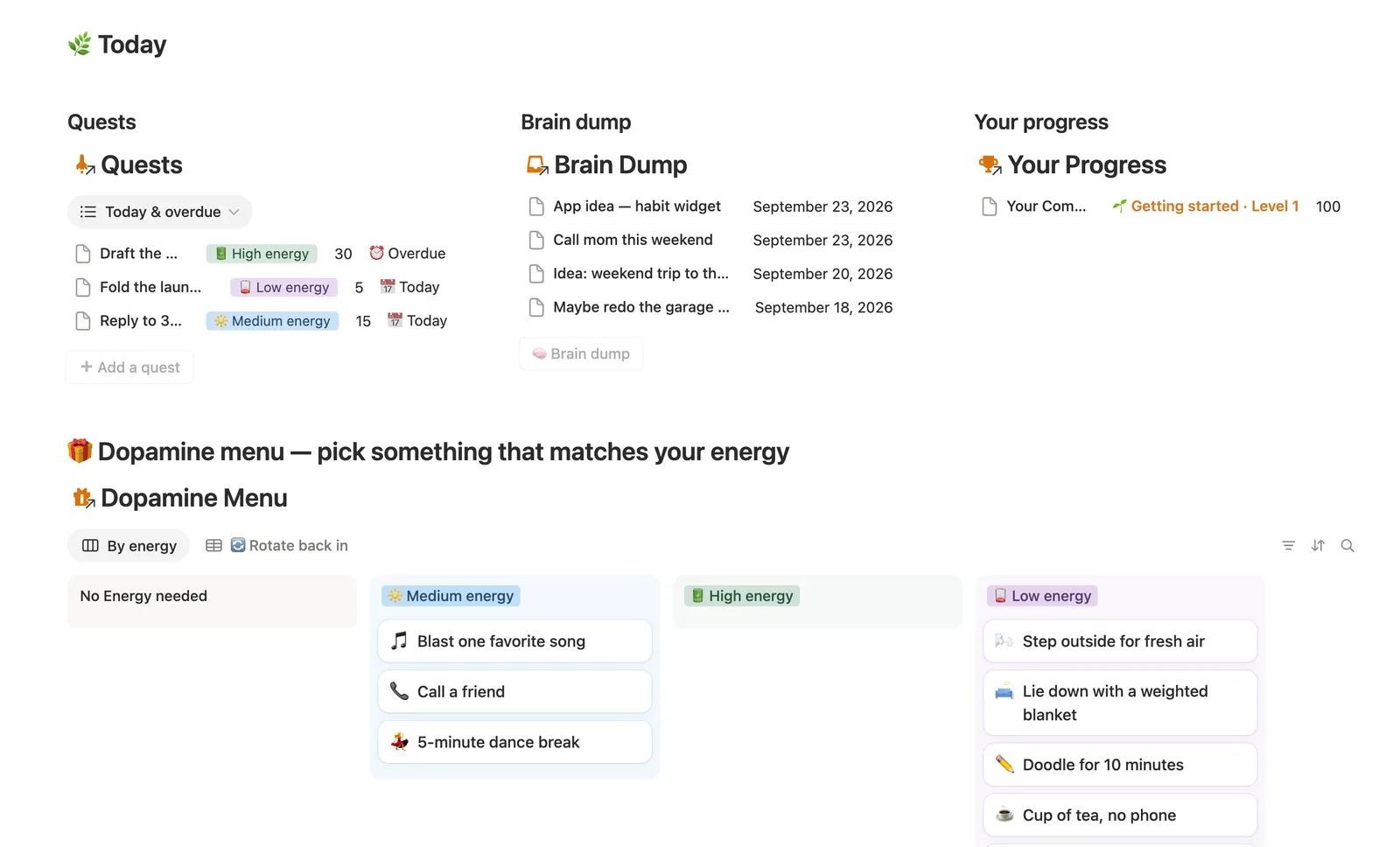
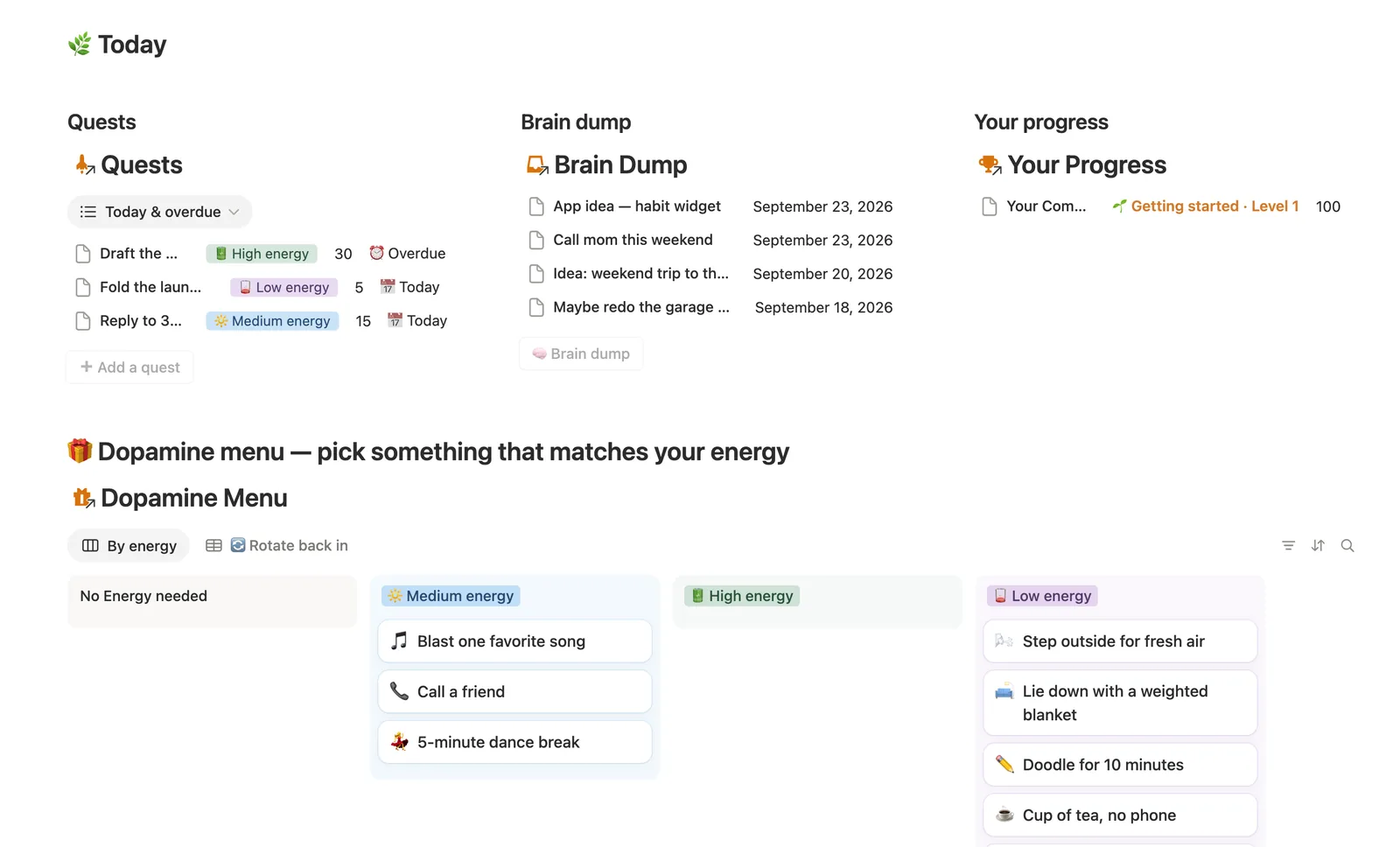
The ADHD Command Center is a Notion template for capturing quests, stray thoughts and dopamine hits in one gentle system. Log tasks as Quests with an energy tag, dump anything that derails you into Brain Dump, and pick a matching reward from the Dopamine Menu. XP and Active days track showing up, not a streak that breaks.
One-time payment · Works on Notion Free · Instant Library access
Who it's for
Who it's for
- People with ADHD who find a bare to-do list either ignored or overwhelming
- Anyone who needs somewhere to dump a stray thought without losing their place
- People who've tried streak-based habit apps and found a missed day makes them quit
- Anyone whose energy swings day to day and wants a system that bends with it, not against it
What's inside
What's inside
Quests with real XP
Every to-do is a Quest carrying an Energy tag and an XP value. Wins today and XP earned on the Daily Log are never typed by hand, they're counted straight from that day's completed Quests.
Brain Dump, not a task list
The instant a thought derails you, drop it in Brain Dump instead of chasing it. Triage it later into 🔍 Triaged, ✅ turned into a real Quest, or 🗑️ released, all three count as the system working.
A Dopamine Menu matched to your energy
Pick a reward that fits your energy right now, not your finished-task count. Last used and Freshness keep the menu from going stale on the same three go-tos.
Active days, not a breakable streak
Your Progress counts Active days, days you showed up at all, instead of a consecutive-day streak that resets to zero the moment you miss one. Skipping a day never erases the ones before it.
A one-click plan for a rough day
The 🌧️ Having a rough day? button on the dashboard skips straight to your lowest-energy Quests. That's the whole plan, and doing one of them counts exactly as much as a good day's Quest does.
Level and Total XP, computed
Total XP and Level roll up from every day you've logged through a two-hop chain, Quest to Daily Log to Your Progress, with nothing re-typed at any step.
How it works
How it works
Five databases connect through the day. Every Quest and every Brain Dump item links to the Daily Log row for the day it happened on. A formula counts each day's completed Quests into Wins today and XP earned, and a single Your Progress row relates out to every Daily Log to total up Total XP, Level and Active days, a running record built from Quests you actually logged, not a manual count.
Spec
- Databases
- 5
- Two-way relations
- 5
- Formulas
- 12
- Rollups
- 5
- Views
- 26
- One-click buttons
- 3
- Database templates
- 6
- Sample rows
- 35
- Databases Daily Log, Dopamine Menu, Quests, Brain Dump, Your Progress
- Entity pages Daily Log
- Buttons ➕ Add a quest, 🧠 Brain dump, 🌧️ Just one tiny thing
How to use
- 01
Every Quest carries an Energy tag and an XP value — log whatever you actually did, however small. Wins today and XP earned on each row in Daily Log are never typed by hand, they're counted straight from that day's Quests.
- 02
Dopamine Menu is for matching, not earning — pick something that fits your energy right now whether or not you've finished anything yet. Pair a Quest with a Reward and Last used / Freshness keep the menu from going stale on the same three go-tos.
- 03
Whenever a thought derails you, drop it in Brain Dump — triage it later into 🔍 Triaged, ✅ turn it into a real Quest, or 🗑️ let it go. All three are a genuine win; a full inbox isn't a failure, it's the system working.
- 04
Your Progress adds up every day you've ever logged — Total XP, Level and Active days count days you showed up at all, not a consecutive-day streak that resets to zero and punishes one missed day. Skipping a day here never erases the ones before it.
- 05
Having a rough one? 🌧️ Having a rough day? on the dashboard skips straight to your lowest-energy Quests — that's the whole plan for a hard day, and doing even one of them counts exactly as much as a good day's Quest does.
- 06
Pair this with the Habit Tracker for anything you're trying to do daily, and Daily Planner once a day has more structure than just a Quest list.
Setup
Setup
- 01
Duplicate the template into your own Notion workspace.
- 02
Add today's to-dos to Quests, tagging each with the energy level that's actually true right now.
- 03
Drop any stray thought into Brain Dump the moment it derails you, and pick something from the Dopamine Menu that matches your energy.
- 04
Delete the sample rows once you're comfortable with the system, they're marked 🧪.
Compared
| This template | Plain to-do list | |
|---|---|---|
| Stray thoughts | Brain Dump inbox, triaged weekly | Nowhere to put them |
| Missed day | Active days keep counting | Streak resets to zero |
| Low-energy day | One-click lowest-energy Quest list | Same list regardless of energy |
| Reward matching | Dopamine Menu by energy needed | Not addressed |
§ FAQ
FAQ
Is Notion good for ADHD?
It can be, with the right structure. A blank Notion workspace on its own tends to become another overwhelming system. This template adds a capture-first Brain Dump, energy-tagged Quests and a bad-day protocol specifically so the system bends around an ADHD brain instead of demanding constant upkeep.
What is the best Notion template for ADHD?
That depends on what you need, but a strong ADHD-built template pairs quick capture with low-friction task logging and a plan for low-energy days. The ADHD Command Center does all three: Brain Dump for stray thoughts, energy-tagged Quests, and a one-click 🌧️ Having a rough day? button.
Is there a free Notion ADHD planner?
Not this one. The ADHD Command Center is a Flagship template in the $47 Templitize Bundle with all 50 templates, and it doesn't currently have a free Lite version. It does work on Notion's Free plan with no paid upgrade needed.
How do I use Notion without it becoming overwhelming?
Keep capture separate from organizing. This template's Brain Dump exists so a stray thought never has to be filed correctly the instant it lands. You triage it later, in a weekly batch, instead of deciding in the moment whether it deserves a project, a tag and a due date.
Does this work on Notion's Free plan?
Yes. Every database, formula and button in the ADHD Command Center runs on Notion's Free plan, nothing here needs a paid Notion upgrade.
More from Planning & Focus
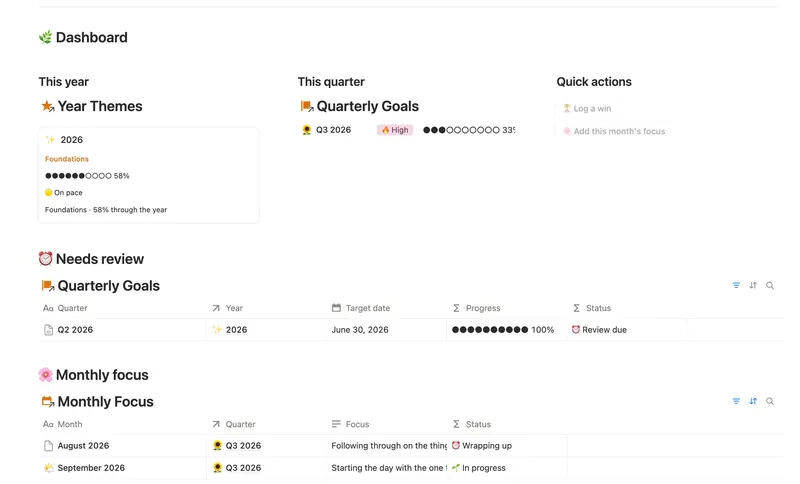
- 06 Annual Review & Year Planner Look back on the year with honest reflection prompts, then turn one yearly theme into quarterly goals and monthly focus you'll actually follow through on. 4 db · 16 formulas · 2 buttons
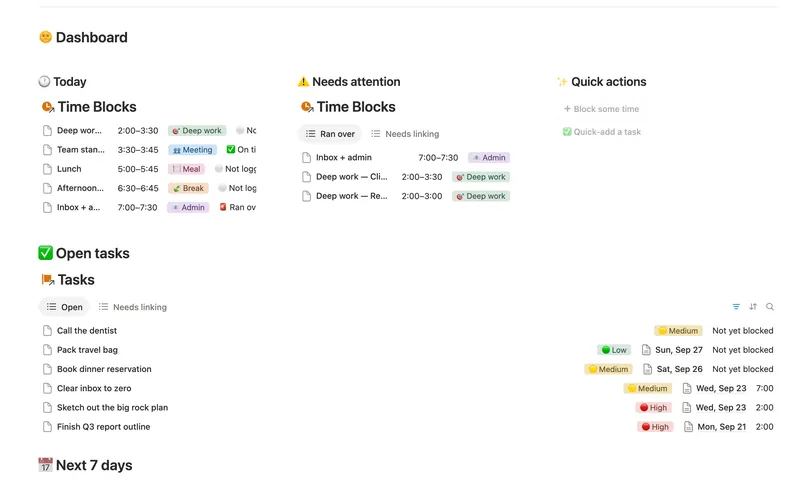
- 02 Daily Planner & Time Blocks Block your day into real Start/End times, keep tasks tied to the hour you meant to do them, and see — gently, never guiltily — whether today actually went the way you planned it. 3 db · 6 formulas · 2 buttons
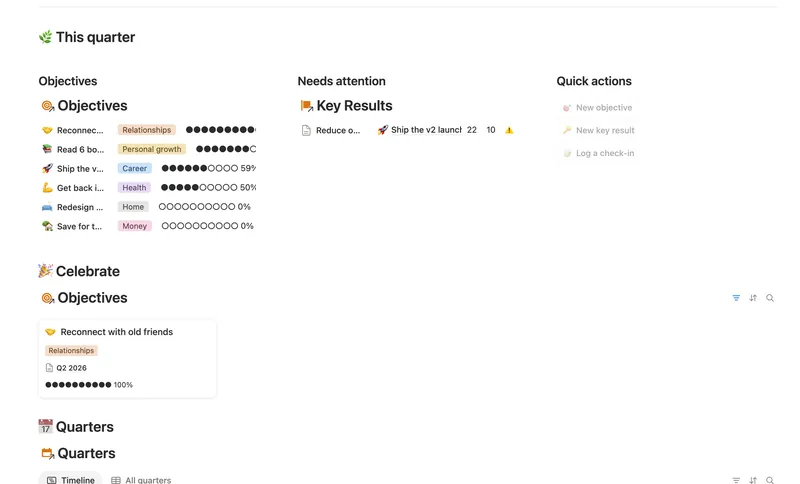
- 05 Goals & OKRs Turn each quarter's goals into Objectives with measurable Key Results, log a quick Check-in whenever you make progress, and watch two-tier rollups keep every Objective's — and the whole Quarter's — percentage honest, all the way up, without ever re-typing a number. 4 db · 15 formulas · 3 buttons
§ The Bundle
Get the whole Bundle
ADHD Command Center plus 49 more templates, one payment.
One-time payment · Works on Notion Free · Instant Library access