
Updated Sep 24, 2026
Savings Goals Notion Template
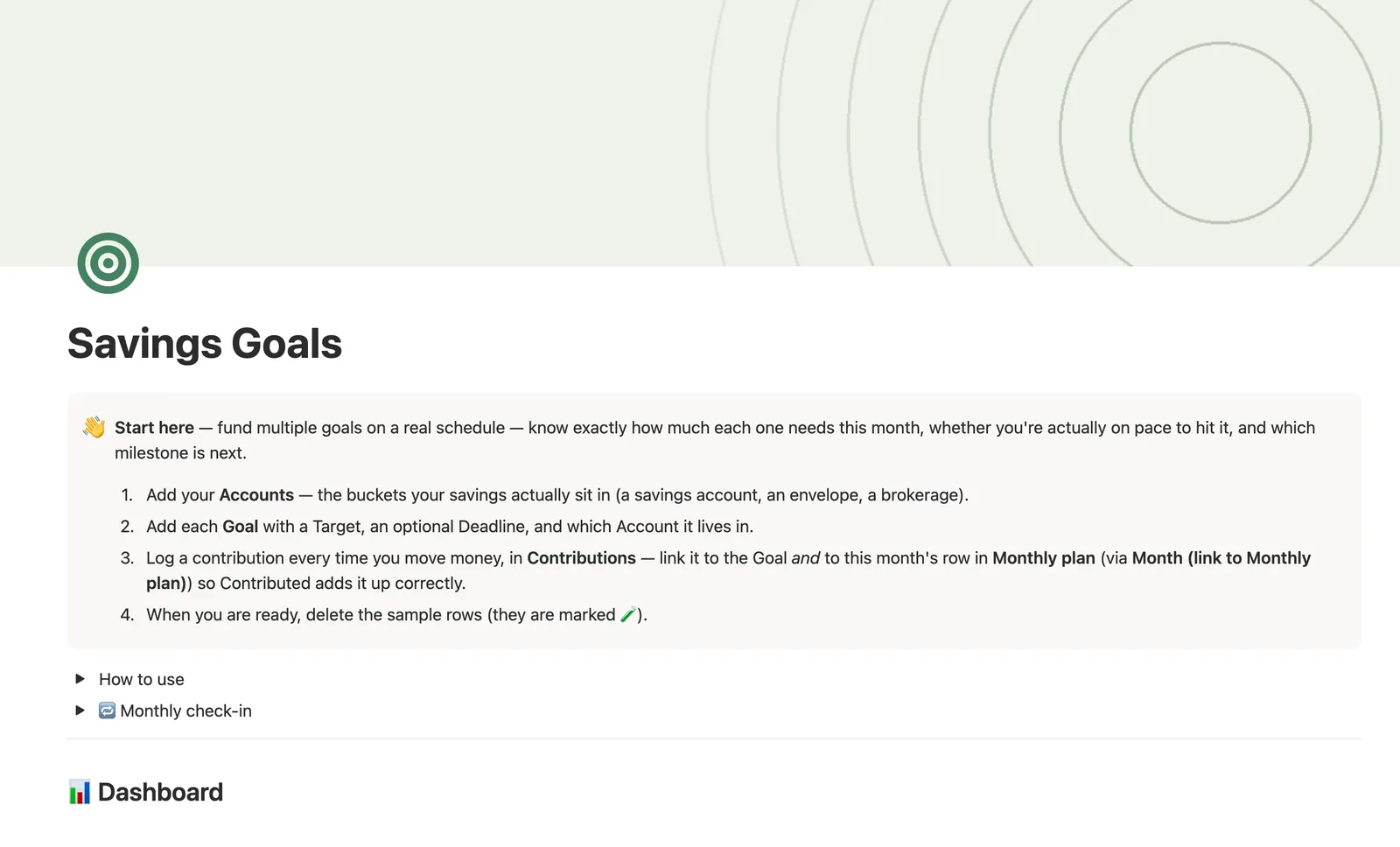
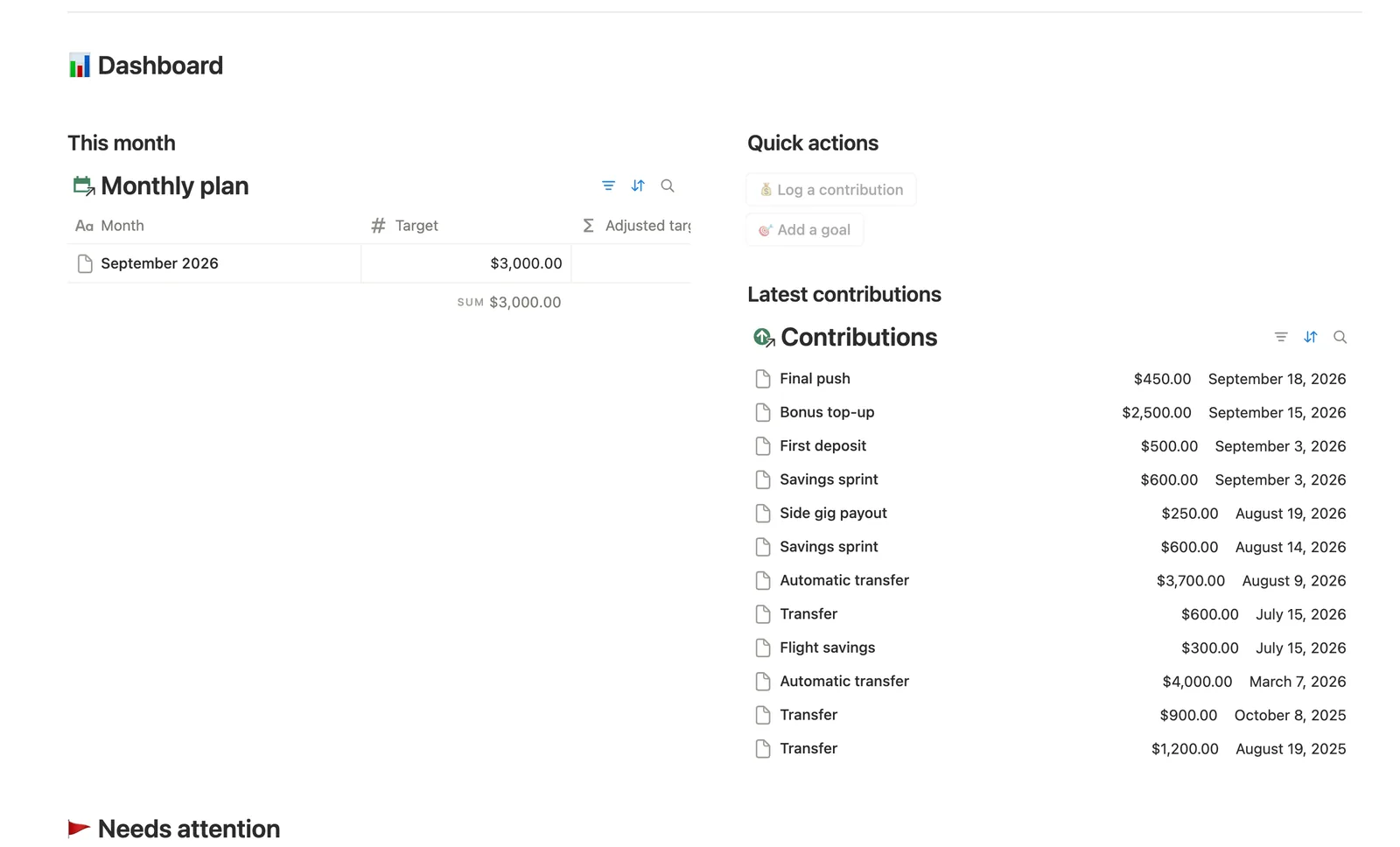
This Notion savings goal tracker template funds multiple goals on a real schedule. Log a contribution once and Saved, Progress, Monthly needed and On pace? all update by themselves. Milestones tick off automatically at 25/50/75/100%, and ETA at current pace projects a real completion date from your actual saving rate, not a guess.
One-time payment · Works on Notion Free · Instant Library access
Who it's for
Who it's for
- Anyone funding more than one goal at once (a trip, an emergency fund, a big purchase) who wants them side by side
- People who want to know if they're actually on pace, not just how much they've saved so far
- Anyone who likes a milestone marking itself reached instead of checking manually
- People who want their savings split across real accounts, not one lump total
What's inside
What's inside
Saved and Progress, computed from your log
Log a contribution once, linked to its Goal, and Saved, Progress, Monthly needed and On pace? all update themselves.
Milestones that tick off on their own
Add rows for 25%, 50%, 75% and 100% and link them to a Goal, and they mark themselves reached as Saved crosses each threshold.
Two different pace questions, answered separately
Monthly needed is what your deadline requires; ETA at current pace is what your real Monthly rate (saved per month since your first contribution) actually projects. A goal can be on pace for one and behind on the other.
Accounts show what's actually earmarked
Saved toward goals rolls up every linked Goal's Saved amount per account, showing how much of that bucket is spoken for, not your full bank balance.
A monthly cash-flow plan
Monthly plan sets a Target per month, rolls up Contributed from linked contributions, and carries any shortfall into next month's Adjusted target.
How it works
How it works
Contributions are the base layer. Each one links to a Goal and, separately, to a row in Monthly plan. Goals roll up every linked Contribution's Amount into Saved, then compute Progress, Remaining and Monthly needed from that number. A second read of the same Contributions relation finds your first contribution date to compute Monthly rate, your real saving pace, which feeds On pace? and ETA at current pace. Accounts roll up Goals' own Saved amount a further hop into Saved toward goals, and Milestones read Goals' Progress percentage to tick off automatically as it crosses each Threshold you set.
Spec
- Databases
- 5
- Two-way relations
- 5
- Formulas
- 22
- Rollups
- 7
- Views
- 27
- One-click buttons
- 2
- Database templates
- 3
- Sample rows
- 38
- Databases Accounts, Goals, Monthly plan, Contributions, Milestones
- Entity pages Goals
- Buttons 💰 Log a contribution, 🎯 Add a goal
How to use
- 01
Saved, Progress, Monthly needed and On pace? all compute themselves from the contributions you log — never re-type a balance.
- 02
Add four rows to Milestones (25%, 50%, 75%, 100%) for a goal you care about and link each one back to it — they tick themselves off as Saved crosses each threshold, and the Goal shows how many it's hit.
- 03
Accounts rolls up every linked Goal's Saved amount into Saved toward goals — how much of that bucket is currently earmarked across its goals, not your real bank balance (money not tied to a tracked goal isn't counted). The Add a goal button and the New goal template can't set Account for you — link it by hand, or catch anything missed in Goals → Not linked to an account.
- 04
Almost there flags anything ≥80% funded but not finished. Needs attention catches anything behind pace on its deadline or quiet for 45+ days — those are different problems with the same fix: log a contribution.
- 05
ETA at current pace projects when you'll actually hit a goal from your real Monthly rate (Saved ÷ months since your first contribution) — separate from Monthly needed, which is what the deadline requires. A goal can be on-pace for one and off for the other; Avg contribution (the size of a typical logged transaction) is shown too but never drives the verdict.
- 06
Monthly plan is the cash-flow view: one row per month, a Target you set, and Contributed rolled up only from Contributions you've linked to that row via Month (link to Monthly plan) — the Log a contribution button and both Contributions templates can't set that link (or the Goal one) for you, so link each one as you log it, or catch anything missed in Contributions → Not linked to a goal / Not linked to a month. Fall short one month and Adjusted target carries the shortfall into the next row.
Setup
Setup
- 01
Duplicate the template into your own Notion workspace.
- 02
Add your Accounts, the buckets your savings actually sit in.
- 03
Add each Goal with a Target, an optional Deadline, and which Account it lives in.
- 04
Log a contribution every time you move money, linking it to the Goal and to this month's row in Monthly plan.
- 05
Delete the sample accounts, goals and contributions once your own are set up.
Compared
| This template | Spreadsheet | |
|---|---|---|
| Progress per goal | Computed automatically from contributions | Retyped after each deposit |
| Milestone tracking | Ticks off on its own at each threshold | A checklist you update by hand |
| On-pace check | Compares real saving rate to what's needed | Rarely calculated at all |
| Multiple accounts | Rolled up per account automatically | Usually tracked in separate tabs |
§ FAQ
FAQ
How do I track savings goals in Notion?
Duplicate this template, add each goal with a Target and optional Deadline, and log every contribution against it. Saved, Progress, Monthly needed and On pace? all fill themselves in from there.
Does Notion have a savings tracker template?
Not built in. This template adds one: five linked databases (Accounts, Goals, Monthly plan, Contributions, Milestones) that turn a logged contribution into progress, pace and a projected completion date for each goal.
How much should I save each month to hit a goal?
Monthly needed answers that directly: it's what's Remaining divided by the months left until your Deadline, recomputed automatically every time you log a contribution.
Does this work on Notion's Free plan?
Yes. Every database, formula and button here runs on Notion's Free plan, with no paid Notion subscription required.
What's the difference between Monthly needed and On pace?
Monthly needed is what your deadline requires, based on what's left and the time remaining. On pace? compares that to your Monthly rate, the amount you're actually saving per month based on your real contribution history. A goal can meet one and miss the other.
More from Money
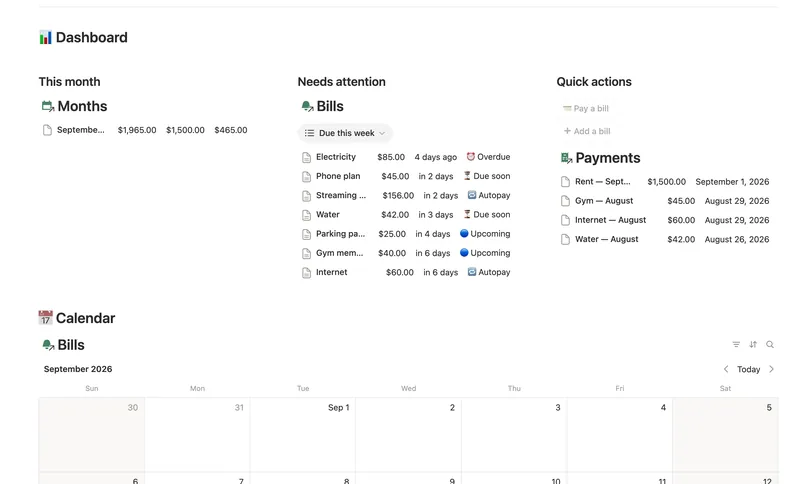
- 14 Bills & Due Dates Never miss a payment — every bill's next due date, its full payment history and which account it drains, computed automatically instead of retyped every cycle. 5 db · 11 formulas · 2 buttons
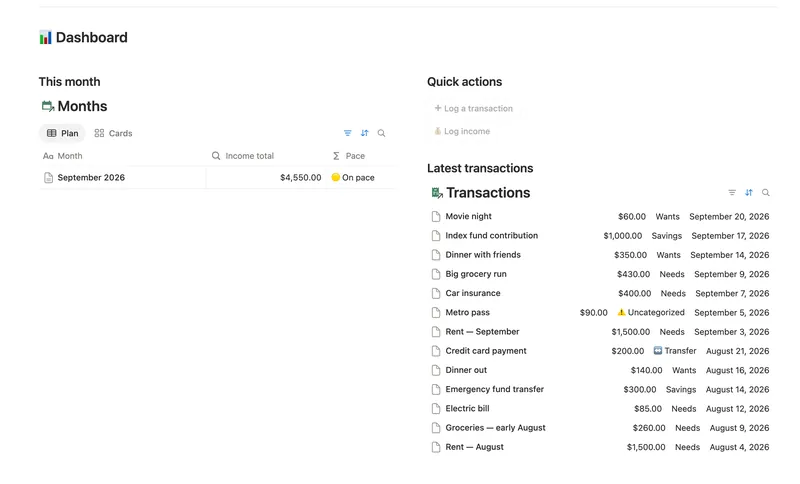
- 08 50/30/20 Budget Split every paycheck into Needs (50%), Wants (30%) and Savings (20%). Tag each purchase with a Category and its Bucket, its Month status and the whole dashboard fill in on their own. 5 db · 23 formulas · 2 buttons
- 11 Debt Payoff Planner See every debt, its real interest cost and a projected debt-free date, then pay it down with the snowball or avalanche method — with a live focus-debt highlight and a payoff month that actually moves the moment you send extra dollars. 4 db · 26 formulas · 2 buttons
§ The Bundle
Get the whole Bundle
Savings Goals plus 49 more templates, one payment.
One-time payment · Works on Notion Free · Instant Library access