
Updated Sep 24, 2026
Debt Payoff Planner Notion Template
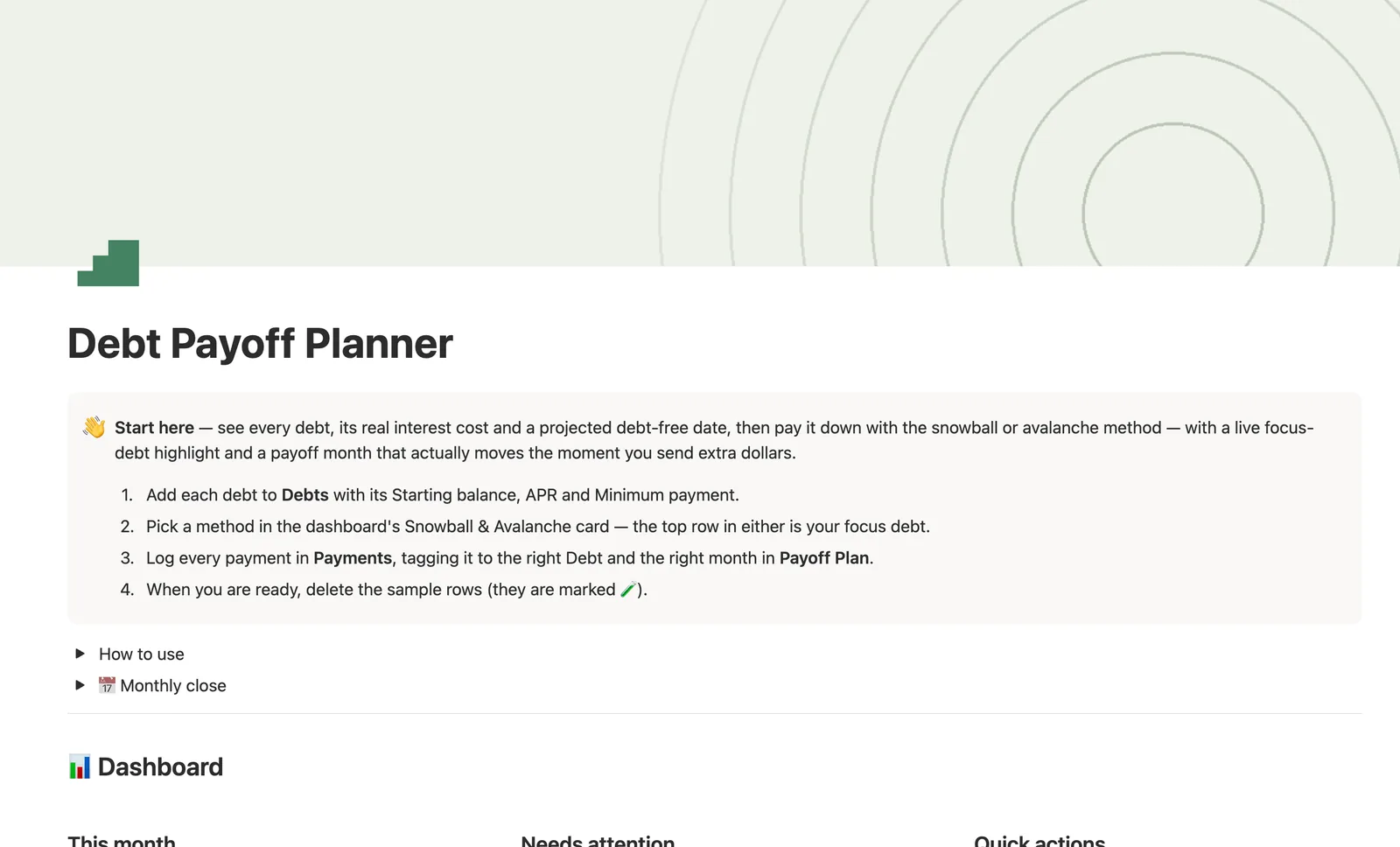
This Notion debt payoff tracker template computes Balance, Progress and a projected Payoff ETA for every debt straight from the payments you log. Sort by Snowball (smallest balance) or Avalanche (highest APR) to see your focus debt, track real lifetime interest cost, and set milestones for each one as you pay it down.
One-time payment · Works on Notion Free · Instant Library access
Who it's for
Who it's for
- Anyone juggling multiple debts who wants to know which one to attack first
- People who want to compare the snowball and avalanche methods on their own real numbers
- Anyone who wants a real lifetime interest estimate, not just a minimum-payment schedule
- People who want a monthly debt budget with a pace signal, not just a payment log
What's inside
What's inside
Snowball and Avalanche, side by side
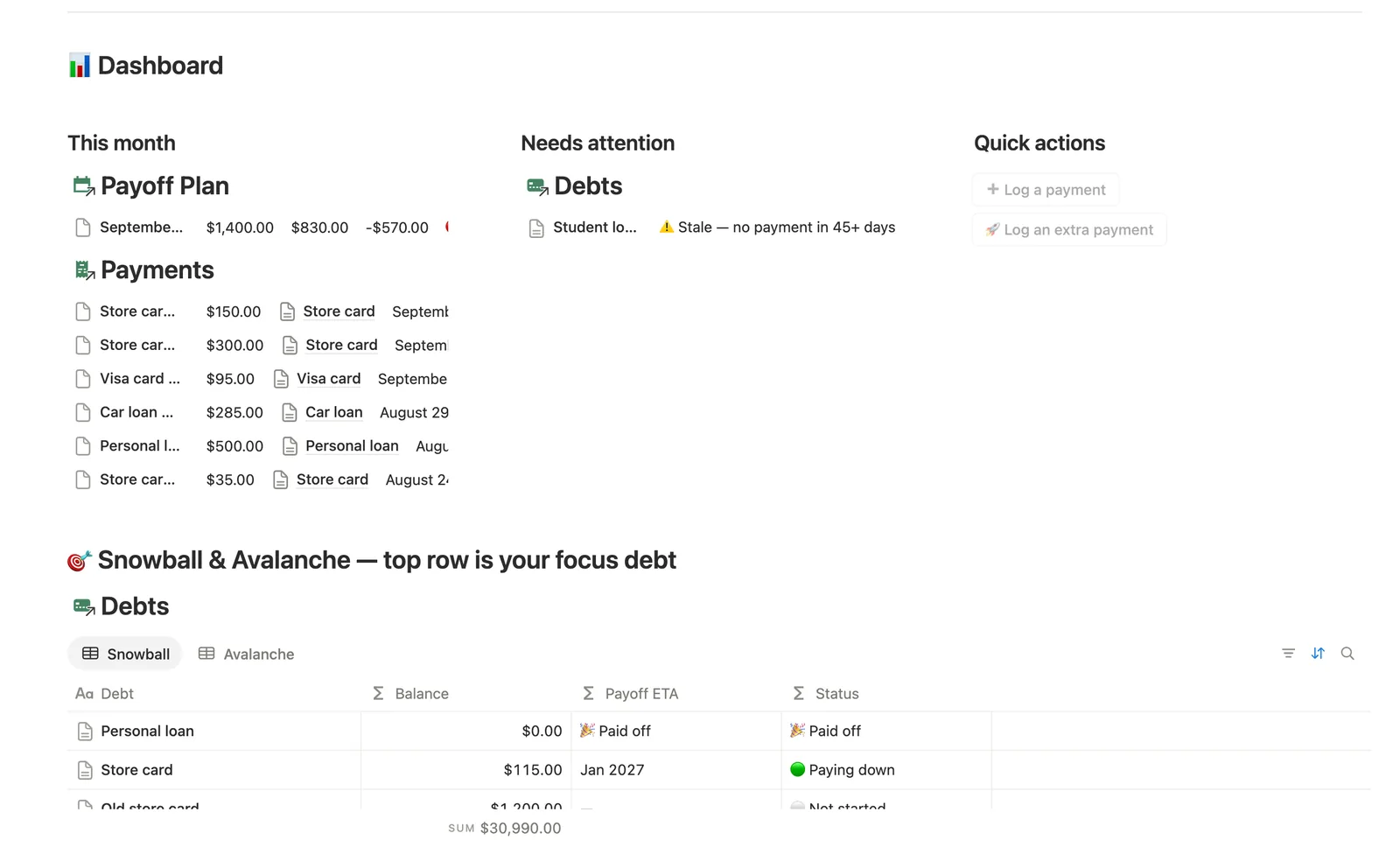
Snowball sorts debts smallest balance first, Avalanche sorts highest APR first. The top row in either is your focus debt for extra payments.
Balance and Payoff ETA, never typed in
Both compute from the payments you've logged against each debt, along with Progress and a Due in countdown to your next minimum payment.
Real lifetime interest cost
Interest paid to date estimates from time elapsed since your first logged payment, not payment count, so a paid-off debt still shows what it actually cost you in interest.
A monthly debt budget
Payoff Plan sets a Planned budget per month. Actual paid fills itself in from Payments, and Pace tells you if you're ahead or behind, where ahead is the good direction here.
Milestones per debt
Track whatever checkpoints matter to you (25/50/75/100% paid off is a starting point), and open any debt's own page to see just its Payments and Milestones.
How it works
How it works
Each Debt starts with a Starting balance, APR and Minimum payment. Log real payments against it in Payments, tagging the Debt and the month in Payoff Plan, and Balance, Progress, Monthly interest and Payoff ETA all recompute from that log. A second read of the same Payments relation finds your first logged payment date and uses time elapsed, not payment count, to estimate Interest paid to date, so an already-paid-off debt still shows a real lifetime interest number instead of zero. Payoff Plan reads the same Payments a third way, comparing Actual paid to a monthly Planned budget, while Milestones track whatever percentage checkpoints you set per debt.
Spec
- Databases
- 4
- Two-way relations
- 3
- Formulas
- 26
- Rollups
- 5
- Views
- 25
- One-click buttons
- 2
- Database templates
- 5
- Sample rows
- 30
- Databases Debts, Payoff Plan, Payments, Milestones
- Entity pages Debts
- Buttons ➕ Log a payment, 🚀 Log an extra payment
How to use
- 01
Balance, Progress, Payoff ETA and Due in are never typed — all computed from the payments you log. Due in projects your next minimum payment so Due this week catches it before Needs attention's 45-day staleness flag would.
- 02
The top row of Snowball (smallest balance) or Avalanche (highest APR) is your focus debt: send every extra dollar there, then roll the freed-up minimum into the next one once it hits 🎉 Paid off.
- 03
Interest/Principal split on each payment is a snapshot estimate for your next payment, using the debt's current balance and APR — not a historical record of what that payment cost at the time. For a debt's real lifetime interest cost, see Interest paid to date / Principal paid to date in Avalanche, estimated from time elapsed since your first logged payment, not from adding up these per-payment snapshots. The dashboard's Log-a-payment buttons (and Payments' own New ▾ templates) can't pre-fill which Debt or which Payoff Plan month a payment belongs to — check Payments → 🔗 Needs linking and tag both by hand right after logging that way, or it won't count toward that debt's Balance or that month's Actual paid.
- 04
Payoff Plan is your monthly debt budget: set Planned budget once, Actual paid fills itself from Payments, and Pace tells you if you're ahead or behind — unlike a spending budget, being 🟢 ahead of pace here is good.
- 05
Milestones track whatever progress checkpoints you want per debt — 25/50/75/100% is just a starting point; open a Debt's own page to see just that debt's Payments and Milestones.
- 06
Pair this with Savings Goals once a debt is gone, so the freed-up payment has somewhere to go next.
Setup
Setup
- 01
Duplicate the template into your own Notion workspace.
- 02
Add each debt to Debts with its Starting balance, APR and Minimum payment.
- 03
Pick a method on the dashboard's Snowball & Avalanche card: the top row in either is your focus debt.
- 04
Log every payment in Payments, tagging it to the right Debt and the right month in Payoff Plan.
- 05
Delete the sample debts, payments and milestones once your own are set up.
Compared
| This template | Spreadsheet | |
|---|---|---|
| Snowball/Avalanche order | Auto-sorted from your live balances and APRs | Manually re-sorted after each payment |
| Lifetime interest paid | Estimated from time since your first payment | Rarely tracked at all |
| Payoff ETA | Computed from your actual payment pace | Static, based on the original payment plan |
| Milestones per debt | Tracked automatically as Balance drops | A separate list you update by hand |
§ FAQ
FAQ
What is the debt snowball method?
Pay the minimum on every debt, then put every extra dollar toward your smallest balance first. Once that one's paid off, roll its freed-up minimum into the next-smallest. This template's Snowball view sorts your debts smallest balance first automatically, so the top row is always the one to focus on.
What is the difference between debt snowball and avalanche?
Snowball orders debts by smallest balance, which builds momentum from quick wins. Avalanche orders by highest APR, which saves the most money in interest. This template gives you both views built from the same Debts data, so you can compare your own numbers instead of guessing.
How do I track debt payoff in Notion?
Duplicate this template, add each debt with its starting balance, APR and minimum payment, then log every payment against the right debt and month. Balance, Progress and Payoff ETA update on their own from there.
Does Notion have a debt snowball tracker?
Not built in. This template adds one: a Debts database with a Snowball and an Avalanche view, both sorted automatically from your own balance and APR numbers, plus a Payments log that drives every computed field.
Does this work on Notion's Free plan?
Yes. Every database, formula and button in this template works on Notion's Free plan, with no paid Notion subscription required.
More from Money
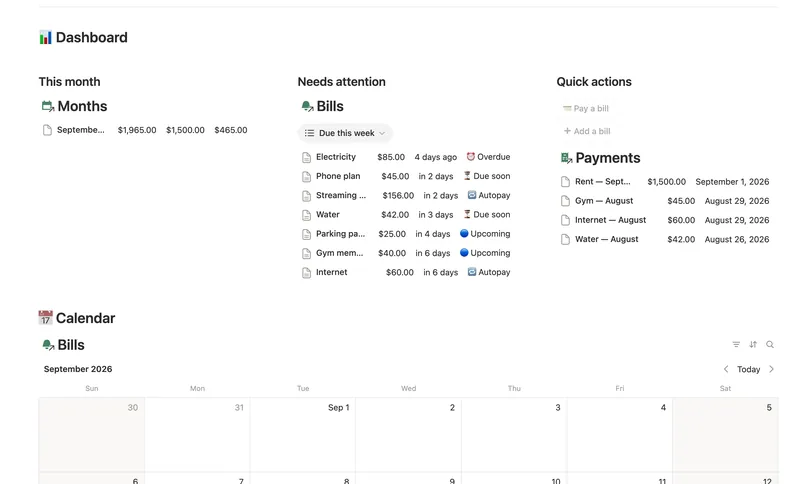
- 14 Bills & Due Dates Never miss a payment — every bill's next due date, its full payment history and which account it drains, computed automatically instead of retyped every cycle. 5 db · 11 formulas · 2 buttons
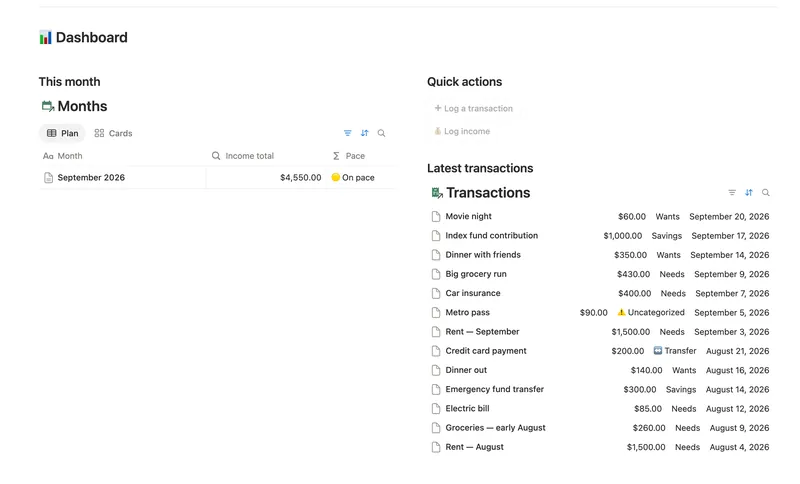
- 08 50/30/20 Budget Split every paycheck into Needs (50%), Wants (30%) and Savings (20%). Tag each purchase with a Category and its Bucket, its Month status and the whole dashboard fill in on their own. 5 db · 23 formulas · 2 buttons
- 10 Expense & Subscription Tracker See exactly where your money goes — spending by category and merchant, every subscription's real monthly cost, and the ones quietly going unused. 5 db · 21 formulas · 2 buttons
§ The Bundle
Get the whole Bundle
Debt Payoff Planner plus 49 more templates, one payment.
One-time payment · Works on Notion Free · Instant Library access