
Updated Sep 24, 2026
Net Worth Dashboard Notion Template
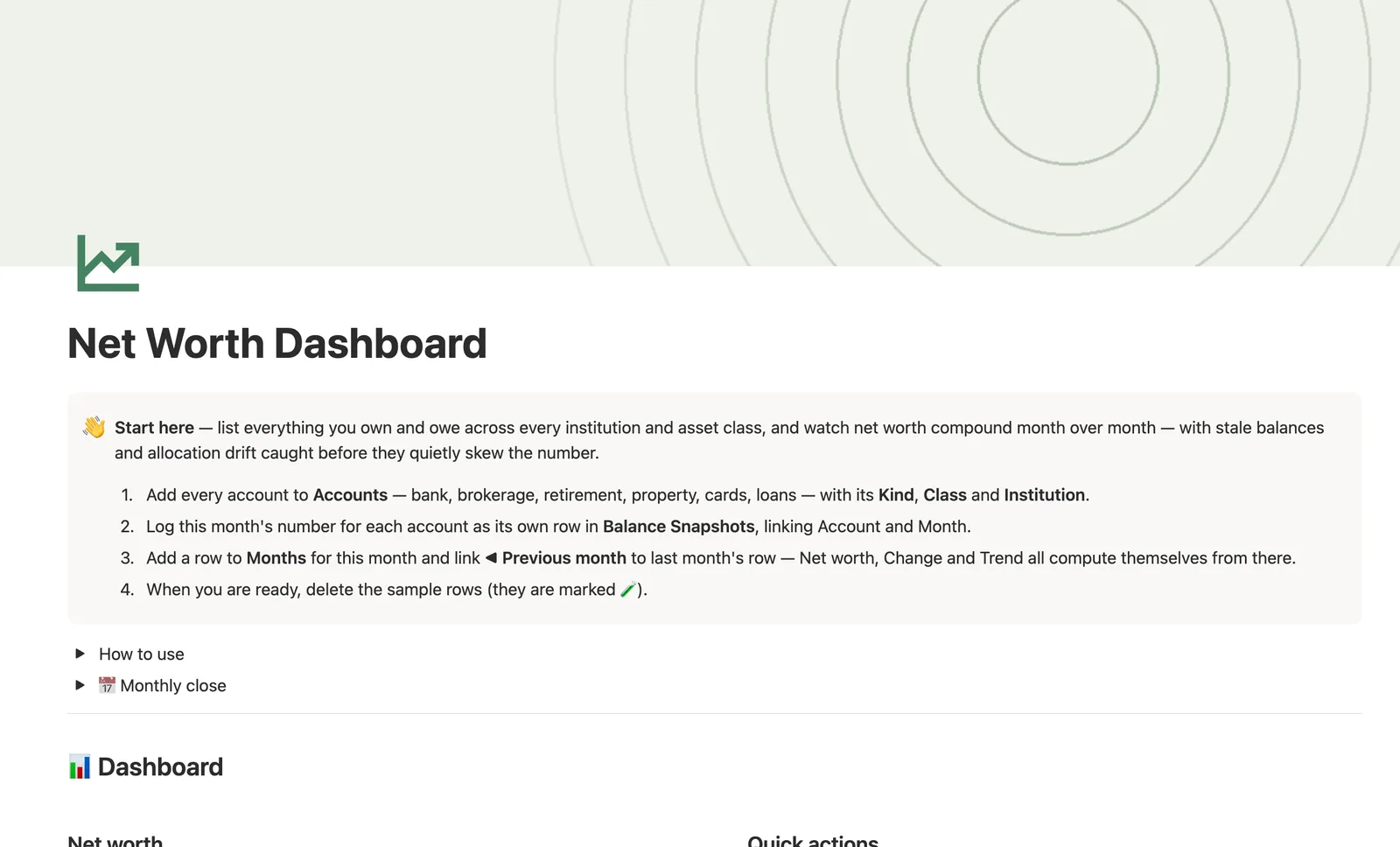
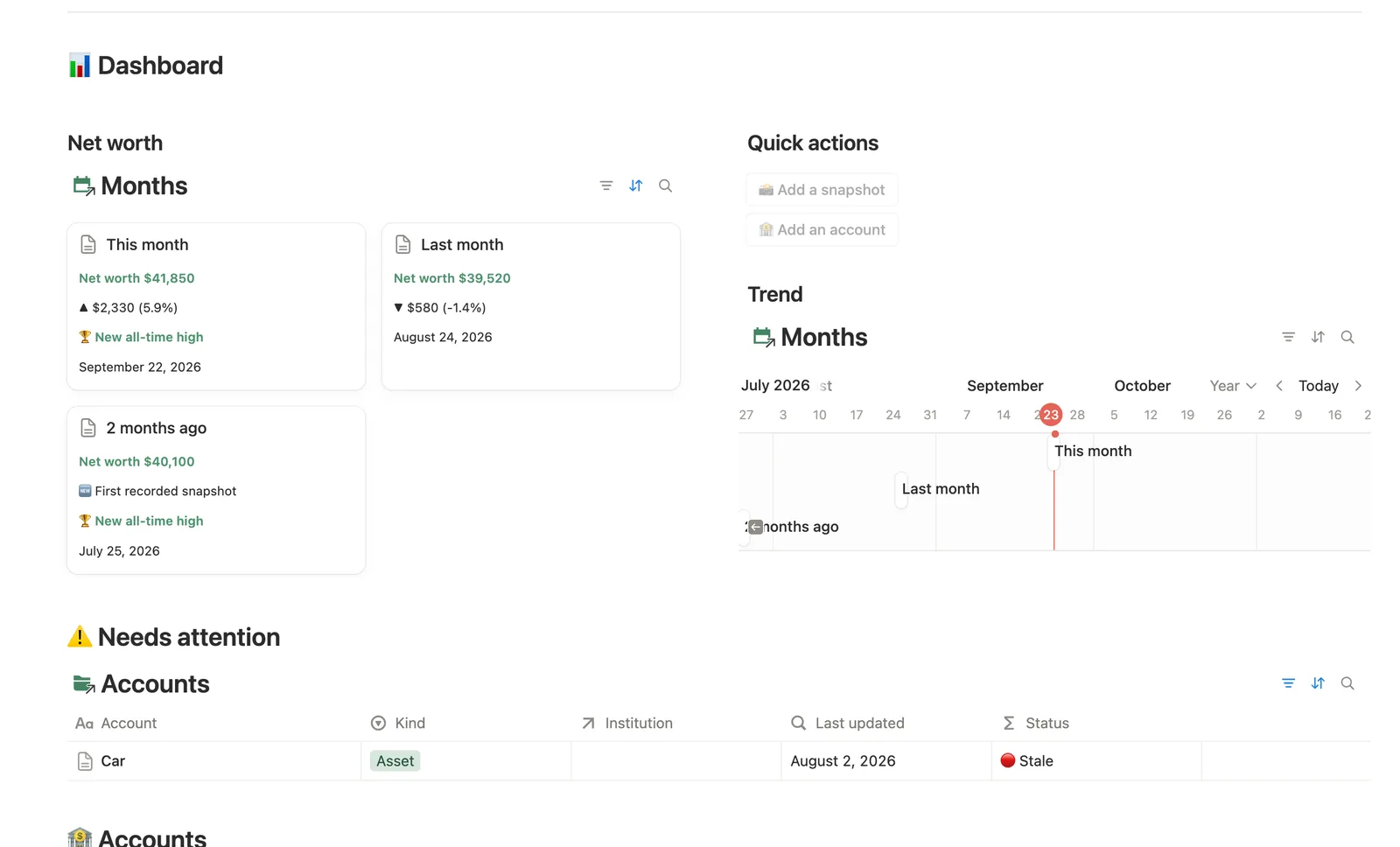
This Notion net worth tracker template lists everything you own and owe across every account, institution and asset class. Log a Balance Snapshot once and it becomes that account's Current balance, rolling up automatically into Net worth, a month-over-month Trend and a Debt ratio, so nothing gets retyped and stale accounts get caught before they skew the number.
One-time payment · Works on Notion Free · Instant Library access
Who it's for
Who it's for
- Anyone who wants one real number for everything they own and owe, across every bank, brokerage and loan
- People who want net worth tracked over time, not just a one-off snapshot
- Anyone who's forgotten to update a slow-moving account like a 401(k) and had their trend line lie to them
- People who want to see allocation and debt risk, not just a single headline number
What's inside
What's inside
Current balance, never retyped
Log a Balance Snapshot for an account and it becomes that account's own Current balance automatically, always its own latest entry.
Net worth built from two hops
A same-row flag on each Snapshot rolls up into that Month's Assets and Liabilities, which feed Net worth for the month.
Trend from the month before
Months link to the previous month, so Trend and Change compute from that connection, and a bounded milestone check flags a new high.
Stale balances, caught before they skew anything
Any account with no snapshot in 45+ days shows up in Stale balances, and Snapshots logged tells you how many accounts you actually updated this period.
A Debt ratio alongside the headline number
Liabilities divided by Assets shows real risk that the net worth figure alone can't, capped at 100% for the case of debt logged before any asset is.
How it works
How it works
Balance Snapshots are the base layer. Log a Balance, link it to an Account and a Month, and it becomes that Account's Current balance automatically, its own latest snapshot. A same-row flag on each Snapshot (Asset or Liability) rolls up into that Month's Assets and Liabilities totals, which feed Net worth. Months link to each other, this month to the one before it, so Trend and Change compute from that connection, and Institutions and Asset classes each roll up Accounts' Current balance their own way, by where money sits and what kind of asset it is.
Spec
- Databases
- 5
- Two-way relations
- 5
- Formulas
- 17
- Rollups
- 11
- Views
- 28
- One-click buttons
- 2
- Database templates
- 5
- Sample rows
- 40
- Databases Institutions, Asset classes, Accounts, Months, Balance Snapshots
- Entity pages Accounts, Months
- Buttons 📸 Add a snapshot, 🏦 Add an account
How to use
- 01
Everything flows from Balance Snapshots: log a Balance there → it becomes that Account's Current balance (its own latest snapshot, never re-typed) → Institutions and Asset classes roll it up by where it sits and what it is → Months sums whatever's linked into that month's Assets, Liabilities and Net worth. Log every account, every month — even slow movers like a 401(k) or a car — because Months only counts snapshots actually linked to it: skip one this month and it silently drops out of the total, then swings back in (a fake crash-then-recovery) the next time you log it. Creating a snapshot from the Asset snapshot / Liability snapshot database template? A template can't pre-fill Account or Month (they're relations) — check Balance Snapshots → Needs linking for anything still missing one.
- 02
Kind (Asset or Liability) drives every rollup that touches money, so get it right on each row — the Asset snapshot / Liability snapshot and New asset account / New liability account templates (New ▾ on each database) pre-fill it correctly; the hub's quick-add buttons deliberately leave it blank so you always set it on purpose instead of inheriting a guess. Those same templates can't pre-fill Institution or Class on a new account either (relations, not selects) — check Accounts → Needs linking for anything still missing one; an account with no real institution (like a car) is expected to stay there, that's fine.
- 03
Trend compares this month's Net worth to whatever's linked under ◀ Previous month — skip that link on a new row and Trend just reads "First recorded", so always link it — Months → Needs linking catches anything you missed (the very first month you ever track will always sit there, which is expected). Cross your previous high and Milestone marks the card 🏆 New all-time high.
- 04
Accounts → Stale balances lists anything with no snapshot in the last 45 days, or never logged at all. Months → Snapshots logged shows how many accounts you actually logged that period — a lower count than usual is the fastest way to catch a skipped account before Trend does.
- 05
Asset classes turns allocation into a real number: set a Target amount per class and Progress shows how close you are, independent of any one month's total. Classes with no Target (a car, a credit card) show "—" instead of a misleading 0%.
- 06
Debt ratio (Liabilities ÷ Assets, on each Months row) is the health check Net worth alone can't show — two people can share a net worth with very different risk underneath it. It caps at 100% instead of a falsely reassuring 0% for the riskiest case of all: debt logged before any asset is.
Setup
Setup
- 01
Duplicate the template into your own Notion workspace.
- 02
Add every account to Accounts (bank, brokerage, retirement, property, cards, loans) with its Kind, Class and Institution.
- 03
Log this month's number for each account as its own row in Balance Snapshots, linking Account and Month.
- 04
Add a row to Months for this month and link it to last month's row.
- 05
Delete the sample institutions, accounts and snapshots once your own numbers are in.
Compared
| This template | Spreadsheet | |
|---|---|---|
| Account balance | Pulled from your latest logged snapshot | Retyped into a summary tab |
| Net worth trend | Computed from a linked previous month | Manually recalculated |
| Stale account detection | Flagged automatically after 45 days | Easy to miss |
| Debt ratio | Computed alongside net worth | Rarely tracked separately |
§ FAQ
FAQ
Does Notion have a net worth tracker?
Not built in. This template adds one: five linked databases (Institutions, Asset classes, Accounts, Balance Snapshots, Months) that turn a logged balance into a running Current balance, a monthly Net worth figure, and a Trend line.
How do I track net worth in Notion?
Duplicate this template, add every account you own or owe money on, then log each one's balance as a row in Balance Snapshots every month. Net worth, Trend and Debt ratio all compute from that log.
Is there a free Notion net worth tracker?
Not this specific one. It's a Flagship-tier template in the $47 bundle rather than one of Templitize's five free Lite templates, though it works fully on Notion's Free plan once you have it.
Why did my net worth suddenly drop and then jump back up?
That happens when you skip logging a slow-moving account, like a 401(k) or a car, for one month. It silently drops out of that month's total, then swings back in the next time you log it. Logging every account every month avoids it.
Does this work on Notion's Free plan?
Yes. Every database, formula and view here runs on Notion's Free plan, with no paid Notion subscription required.
More from Money
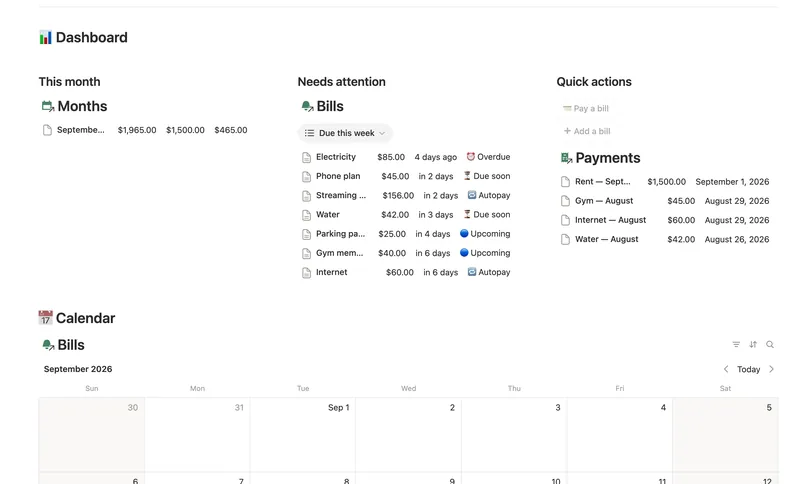
- 14 Bills & Due Dates Never miss a payment — every bill's next due date, its full payment history and which account it drains, computed automatically instead of retyped every cycle. 5 db · 11 formulas · 2 buttons
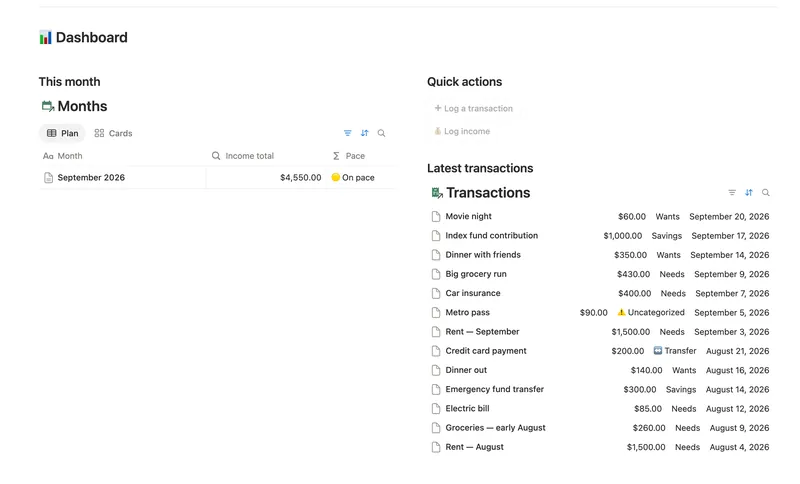
- 08 50/30/20 Budget Split every paycheck into Needs (50%), Wants (30%) and Savings (20%). Tag each purchase with a Category and its Bucket, its Month status and the whole dashboard fill in on their own. 5 db · 23 formulas · 2 buttons
- 11 Debt Payoff Planner See every debt, its real interest cost and a projected debt-free date, then pay it down with the snowball or avalanche method — with a live focus-debt highlight and a payoff month that actually moves the moment you send extra dollars. 4 db · 26 formulas · 2 buttons
§ The Bundle
Get the whole Bundle
Net Worth Dashboard plus 49 more templates, one payment.
One-time payment · Works on Notion Free · Instant Library access